Last Updated on January 31, 2026 by DarkNet
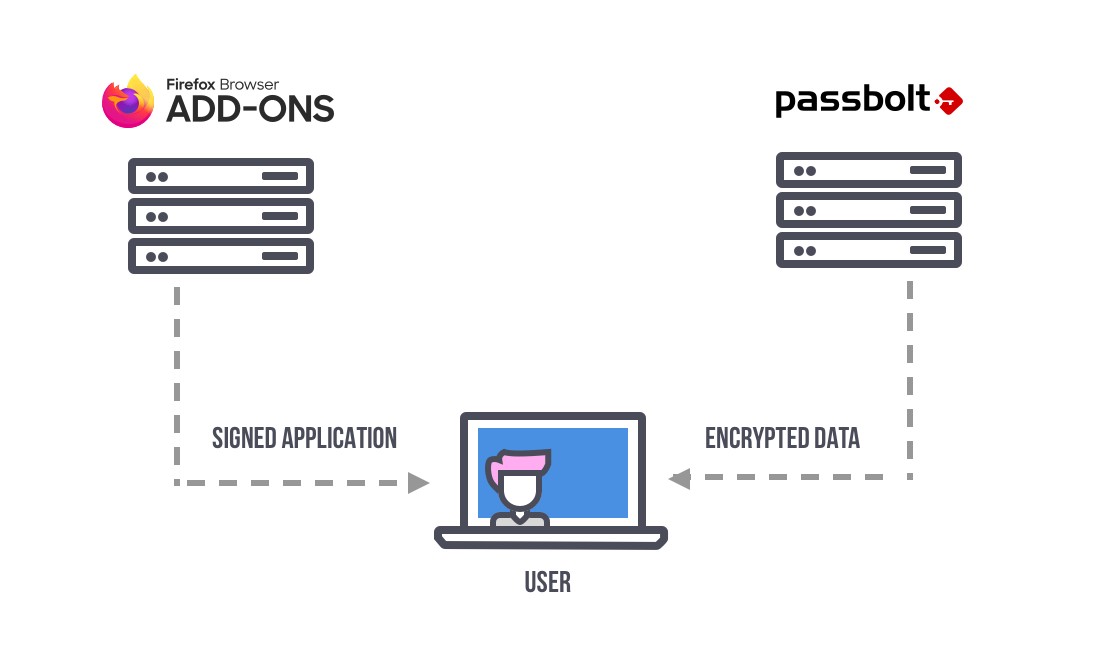
Passbolt is an open-source password manager designed primarily for teams and organizations. It focuses on secure password sharing, transparency, and self-hosting, making it especially popular among developers, IT teams, and security-conscious businesses.
Below is a complete and objective article outlining the main advantages and disadvantages of Passbolt.
What Is Passbolt
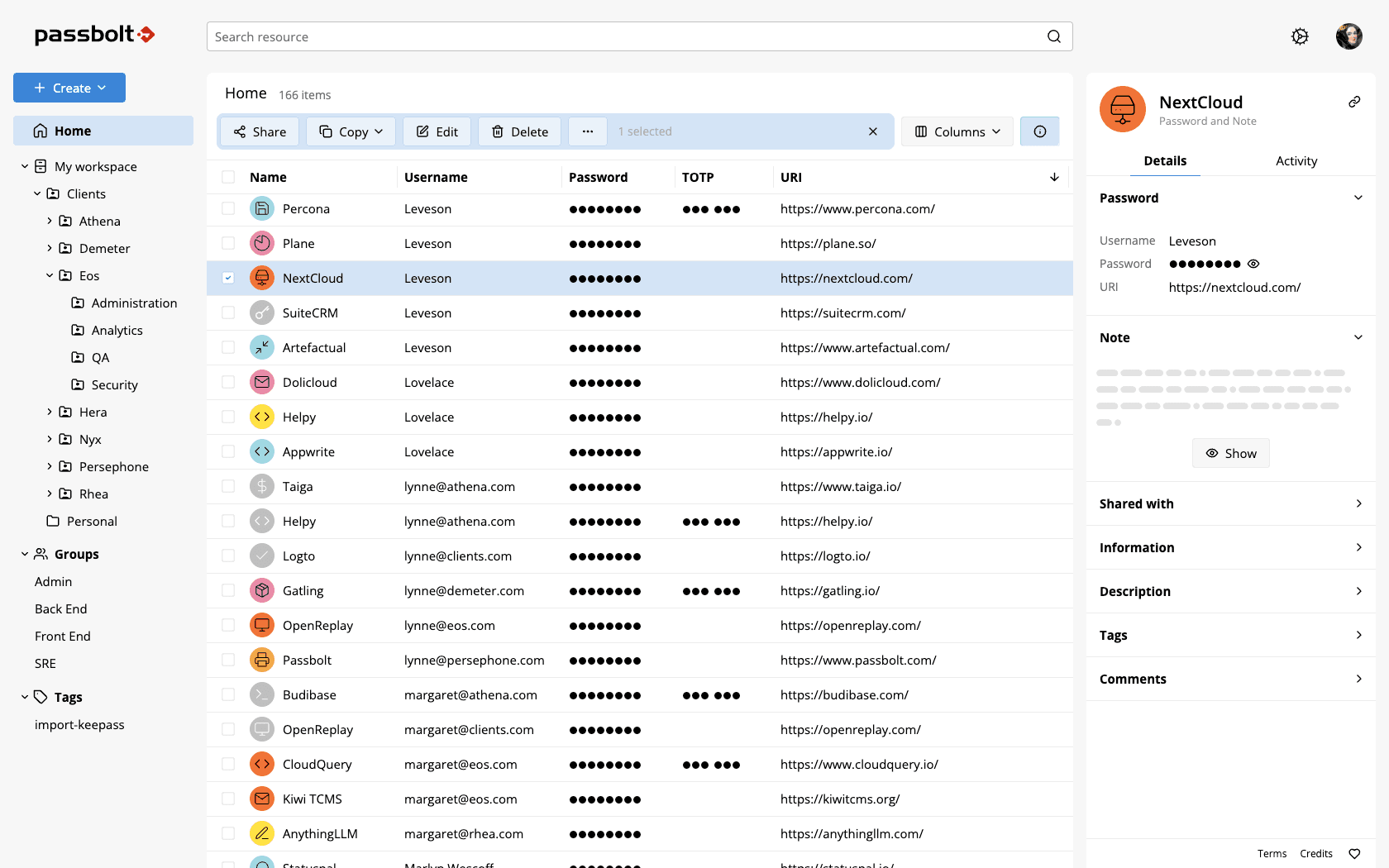
Passbolt is a password manager created to:
- securely store and share passwords within teams;
- manage access using cryptographic permissions;
- operate in self-hosted or cloud environments;
- provide transparency through open-source architecture.
Passbolt is available on Windows, macOS, Linux, and major web browsers. Mobile access is available with limitations compared to desktop and browser use.
Core Features
- Secure password and secret storage
- End-to-end encryption with zero-knowledge architecture
- OpenPGP based cryptography
- Secure password sharing for teams
- Role-based access control
- Activity logs and audit trails
- Self-hosting and cloud-hosted options
✅ Pros of Passbolt
🔐 Strong Security and Transparency
- Open-source codebase available for public review
- Uses OpenPGP for encryption and key management
- Zero-knowledge architecture ensures data privacy
- Designed with security professionals in mind
Passbolt is highly trusted in technical and security-focused environments.
🏠 Self-Hosting Capabilities
- Can be deployed on private servers
- Full control over data storage and infrastructure
- Suitable for organizations with strict compliance or data sovereignty requirements
🏢 Built for Teams and Collaboration
- Fine-grained access control for shared passwords
- Secure sharing without exposing plaintext credentials
- User roles and permissions
- Detailed audit logs for accountability
🧩 Flexible Deployment Options
- Community Edition available for free
- Paid plans offer cloud hosting and enterprise features
- Scales well for small teams and large organizations
🧑💻 Developer and IT Friendly
- Command-line tools and APIs available
- Integration with DevOps workflows
- Designed to fit technical environments
❌ Cons of Passbolt
🎨 Interface Is Functional but Not Polished
- Design focuses on utility rather than visual appeal
- Less intuitive for non-technical users
- Steeper learning curve compared to consumer-focused managers
⚙️ Setup and Maintenance Complexity
- Self-hosting requires server administration skills
- Initial configuration can be time-consuming
- Ongoing maintenance is required for updates and security
📱 Limited Mobile Experience
- Mobile apps have fewer features
- Best experience is on desktop and browser
- Not ideal for users who rely heavily on mobile password management
🧩 Less Suitable for Personal Use
- Feature set is optimized for teams rather than individuals
- Overkill for simple personal password storage
- Lacks consumer-oriented convenience features
Who Passbolt Is Best For
Recommended if you:
- manage passwords for teams or organizations;
- want an open-source and auditable solution;
- require self-hosting and full data control;
- have technical expertise or IT support.
Not ideal if you:
- want a simple personal password manager;
- prefer a polished and beginner-friendly interface;
- need a strong mobile-first experience.
Password Manager Comparison Table 2026
|
Product Name |
Encryption & Zero-Knowledge |
Platform Support |
Key Security Features |
Best For |
|---|---|---|---|---|
|
Yes, strong AES-256 + unique secret key |
All major OS & browsers |
Zero-knowledge, MFA, passkeys, secure sharing |
Premium security & usability |
|
|
Yes, AES-256, open-source |
All major OS & browsers |
Self-hosting option, open audit |
Open-source transparency & budget |
|
|
Yes, AES-256, zero-knowledge |
All major OS & browsers |
VPN (paid), breach monitoring |
Security insights + privacy tools |
|
|
Yes, zero-knowledge |
All major OS & browsers |
Password health, email masking |
Best overall value & simplicity |
|
|
Yes, AES-256 + PBKDF2 |
All major OS & browsers |
Self-destruct, secure sharing |
Enterprise & business focus |
|
|
Yes, encrypted vault |
All major OS & browsers |
Advanced form-filling |
Excellent form automation |
|
|
AES-256 local encryption |
All major OS & browsers |
Local-first vault, optional cloud sync |
Local control, no subscription |
|
|
Yes, AES-256 GCM, open-source |
All major OS & browsers |
End-to-end encryption, CLI access |
Privacy-focused, free tier strong |
|
|
Yes, encrypted vault (mixed fields) |
All major OS & browsers |
Cross-platform sync, 2FA |
Easy access, large user base |
|
|
Yes, encrypted |
Web, apps |
Team sharing, access controls |
Business teams |
|
|
Yes, open-source |
Web & extensions |
Self-hosting, team roles |
Technical & DevOps teams |
|
|
Yes, E2E + hardware |
Web & mobile |
Hardware-first, FIDO2 |
Passwordless & simplicity |
|
|
Encrypted sync |
All major OS & browsers |
Integration with Dell ecosystem |
Enterprise users |
|
|
Encrypted |
Enterprise systems |
Active Directory integration |
Enterprise IT control |
|
|
Encrypted |
Enterprise systems |
User access & audit logs |
IT password governance |
|
|
Identity Anywhere (Avatier) |
Encrypted |
Enterprise systems |
Identity + SSO focus |
Large enterprise identity |
|
Encrypted |
Enterprise |
Identity & privileged access |
Identity security suites |
|
|
Encrypted |
All major OS & browsers |
Multiple form filling |
General personal use |
|
|
Encrypted |
Unix-like systems |
Local system vault |
Linux-centric local vault |
|
|
KeePass (via forks like KeePassXC) |
Encrypted local vault |
All major OS |
Portable, local, plugin ecosystem |
Offline control & enthusiasts |
|
Encrypted |
Teams & enterprise |
Team collaboration |
Secure team vault |
Final Verdict
Passbolt is a powerful and transparent password manager built for teams that prioritize security, collaboration, and control. While it demands technical knowledge and lacks consumer-level polish, its open-source foundation, self-hosting capabilities, and robust access controls make it an excellent choice for organizations and professionals who require maximum visibility and ownership over their password infrastructure.