Last Updated on January 29, 2026 by DarkNet
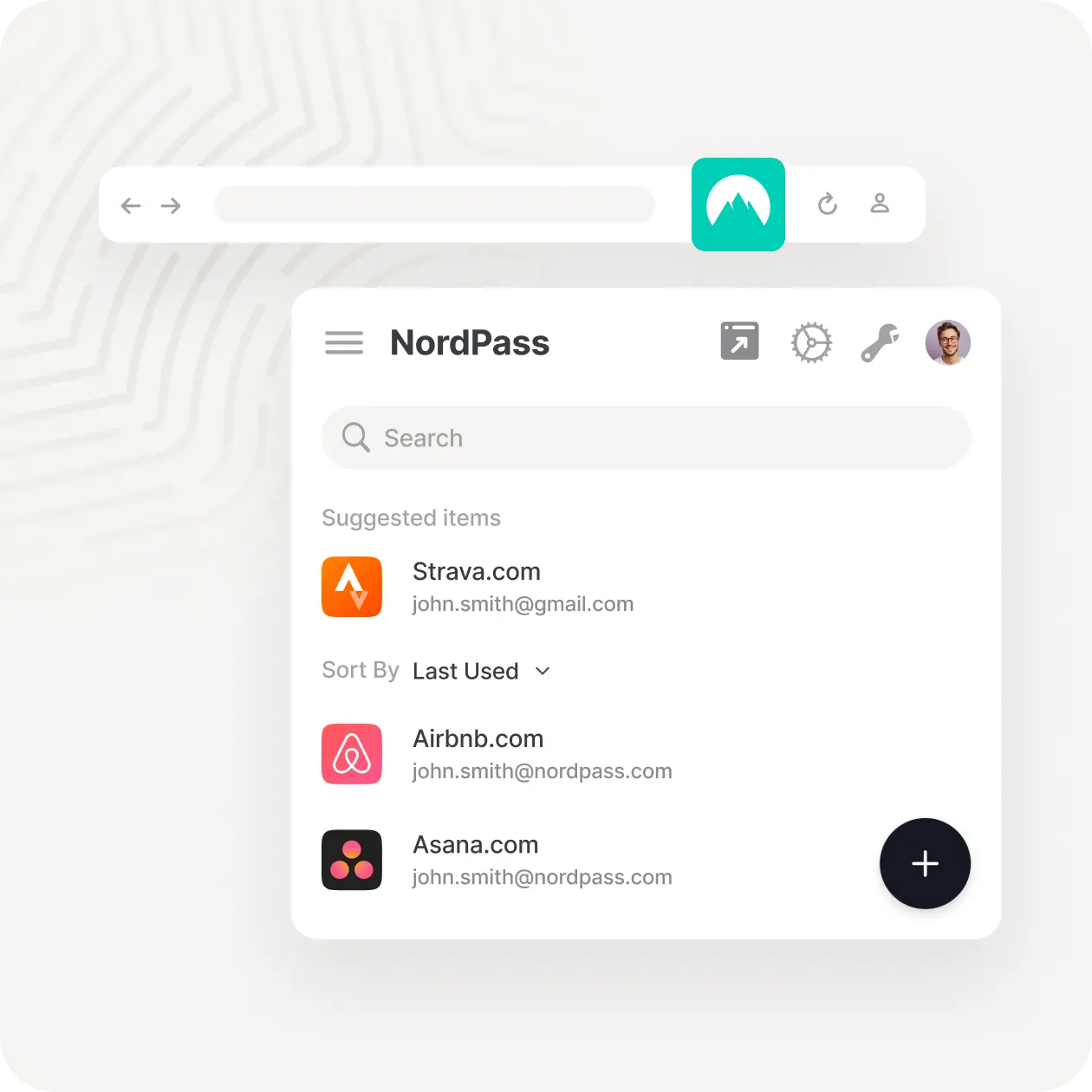
NordPass is a modern password manager developed by the team behind NordVPN. It focuses on simplicity, strong security standards, and a clean user experience, making it appealing to both individual users and businesses.
Below is a complete and objective article covering all major advantages and disadvantages of NordPass.
What Is NordPass
NordPass is a password manager designed to:
- securely store passwords and sensitive data;
- autofill login credentials and forms;
- sync data across devices via the cloud;
- help users maintain better password hygiene.
NordPass is available on Windows, macOS, Linux, iOS, Android, and all major browsers.
Core Features
- Secure storage for passwords, notes, and credit card data
- End-to-end encryption with zero-knowledge architecture
- Password generator and autofill
- Passkey support
- Two-factor authentication
- Cross-device synchronization
- Data breach scanning
✅ Pros of NordPass
🔐 Strong and Modern Security
- Uses XChaCha20 encryption instead of traditional AES-256
- Zero-knowledge architecture ensures user data remains private
- Independent security audits
- Biometric authentication support on mobile devices
NordPass applies modern cryptography standards trusted by security professionals.
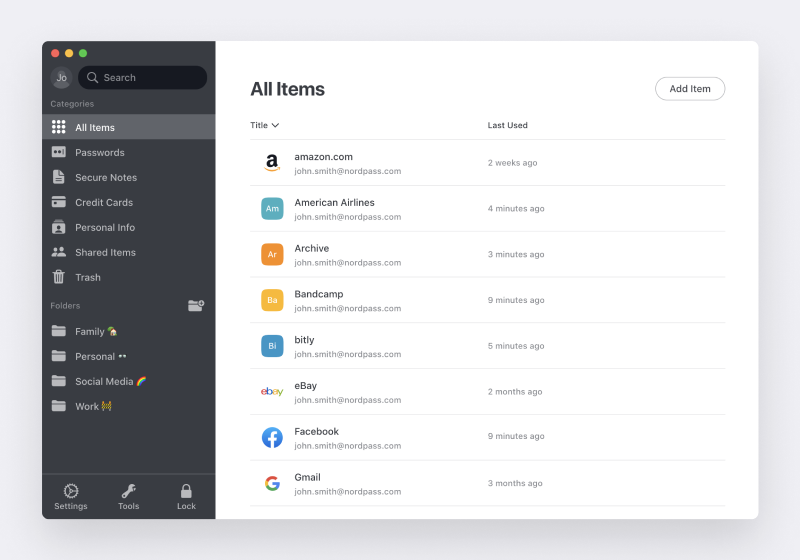
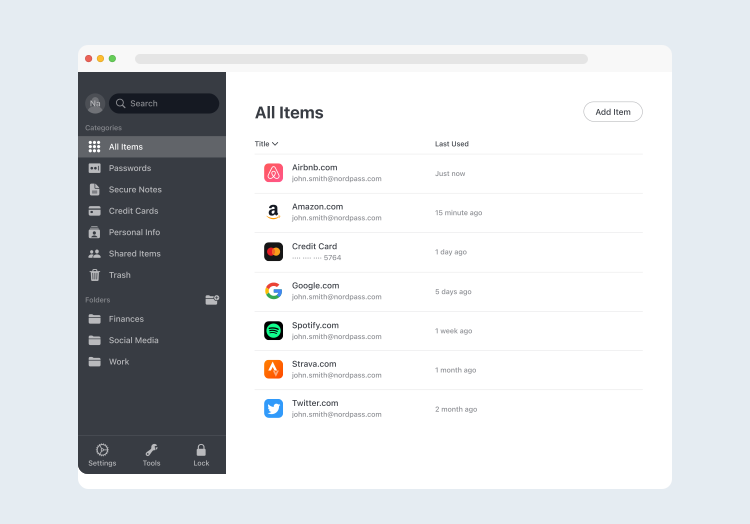
🎨 Clean and Beginner-Friendly Interface
- Minimalistic and modern design
- Easy navigation and clear layout
- Short learning curve for new users
- Consistent experience across platforms
🔑 Passkey Support
- Native support for passkeys
- Helps users move beyond traditional passwords
- Simple management of passkey-enabled accounts
This makes NordPass future-ready as passwordless authentication grows.
🔄 Reliable Sync and Autofill
- Smooth synchronization across devices
- Accurate autofill for logins and payment forms
- Stable browser extensions
👨👩👧👦 Business and Team Plans
- NordPass Business with admin controls
- User access management and activity logs
- Integration with enterprise security workflows
❌ Cons of NordPass
💰 Limited Free Version
- Free plan allows only one active device
- Multi-device sync requires a paid subscription
- Fewer free features compared to some competitors
⚙️ Fewer Advanced Features
- No self-hosting option
- Limited customization for power users
- Lacks advanced automation and scripting tools
🌐 Cloud-Only Architecture
- No fully local or offline-only usage model
- Users must rely on NordPass cloud infrastructure
- Not ideal for strict data sovereignty requirements
🧩 Smaller Ecosystem
- Fewer integrations compared to long-established competitors
- Community and third-party tools are limited
- Advanced users may find it restrictive
Who NordPass Is Best For
Recommended if you:
- want a simple and modern password manager;
- value strong cryptography and passkey support;
- use multiple devices and platforms;
- prefer an intuitive and clean interface.
Not ideal if you:
- want unlimited device sync for free;
- require self-hosting or deep customization;
- prefer open-source software.
Password Manager Comparison Table 2026
|
Product Name |
Encryption & Zero-Knowledge |
Platform Support |
Key Security Features |
Best For |
|---|---|---|---|---|
|
Yes, strong AES-256 + unique secret key |
All major OS & browsers |
Zero-knowledge, MFA, passkeys, secure sharing |
Premium security & usability |
|
|
Yes, AES-256, open-source |
All major OS & browsers |
Self-hosting option, open audit |
Open-source transparency & budget |
|
|
Yes, AES-256, zero-knowledge |
All major OS & browsers |
VPN (paid), breach monitoring |
Security insights + privacy tools |
|
|
Yes, zero-knowledge |
All major OS & browsers |
Password health, email masking |
Best overall value & simplicity |
|
|
Yes, AES-256 + PBKDF2 |
All major OS & browsers |
Self-destruct, secure sharing |
Enterprise & business focus |
|
|
Yes, encrypted vault |
All major OS & browsers |
Advanced form-filling |
Excellent form automation |
|
|
AES-256 local encryption |
All major OS & browsers |
Local-first vault, optional cloud sync |
Local control, no subscription |
|
|
Yes, AES-256 GCM, open-source |
All major OS & browsers |
End-to-end encryption, CLI access |
Privacy-focused, free tier strong |
|
|
Yes, encrypted vault (mixed fields) |
All major OS & browsers |
Cross-platform sync, 2FA |
Easy access, large user base |
|
|
Yes, encrypted |
Web, apps |
Team sharing, access controls |
Business teams |
|
|
Yes, open-source |
Web & extensions |
Self-hosting, team roles |
Technical & DevOps teams |
|
|
Yes, E2E + hardware |
Web & mobile |
Hardware-first, FIDO2 |
Passwordless & simplicity |
|
|
Encrypted sync |
All major OS & browsers |
Integration with Dell ecosystem |
Enterprise users |
|
|
Encrypted |
Enterprise systems |
Active Directory integration |
Enterprise IT control |
|
|
Encrypted |
Enterprise systems |
User access & audit logs |
IT password governance |
|
|
Identity Anywhere (Avatier) |
Encrypted |
Enterprise systems |
Identity + SSO focus |
Large enterprise identity |
|
Encrypted |
Enterprise |
Identity & privileged access |
Identity security suites |
|
|
Encrypted |
All major OS & browsers |
Multiple form filling |
General personal use |
|
|
Encrypted |
Unix-like systems |
Local system vault |
Linux-centric local vault |
|
|
KeePass (via forks like KeePassXC) |
Encrypted local vault |
All major OS |
Portable, local, plugin ecosystem |
Offline control & enthusiasts |
|
Encrypted |
Teams & enterprise |
Team collaboration |
Secure team vault |
Final Verdict
NordPass is a solid and modern password manager that emphasizes ease of use and up-to-date security technologies. While its free plan is limited and its feature set may feel basic for advanced users, it is a strong choice for individuals and teams looking for a clean, secure, and future-oriented password management solution.