Last Updated on January 31, 2026 by DarkNet
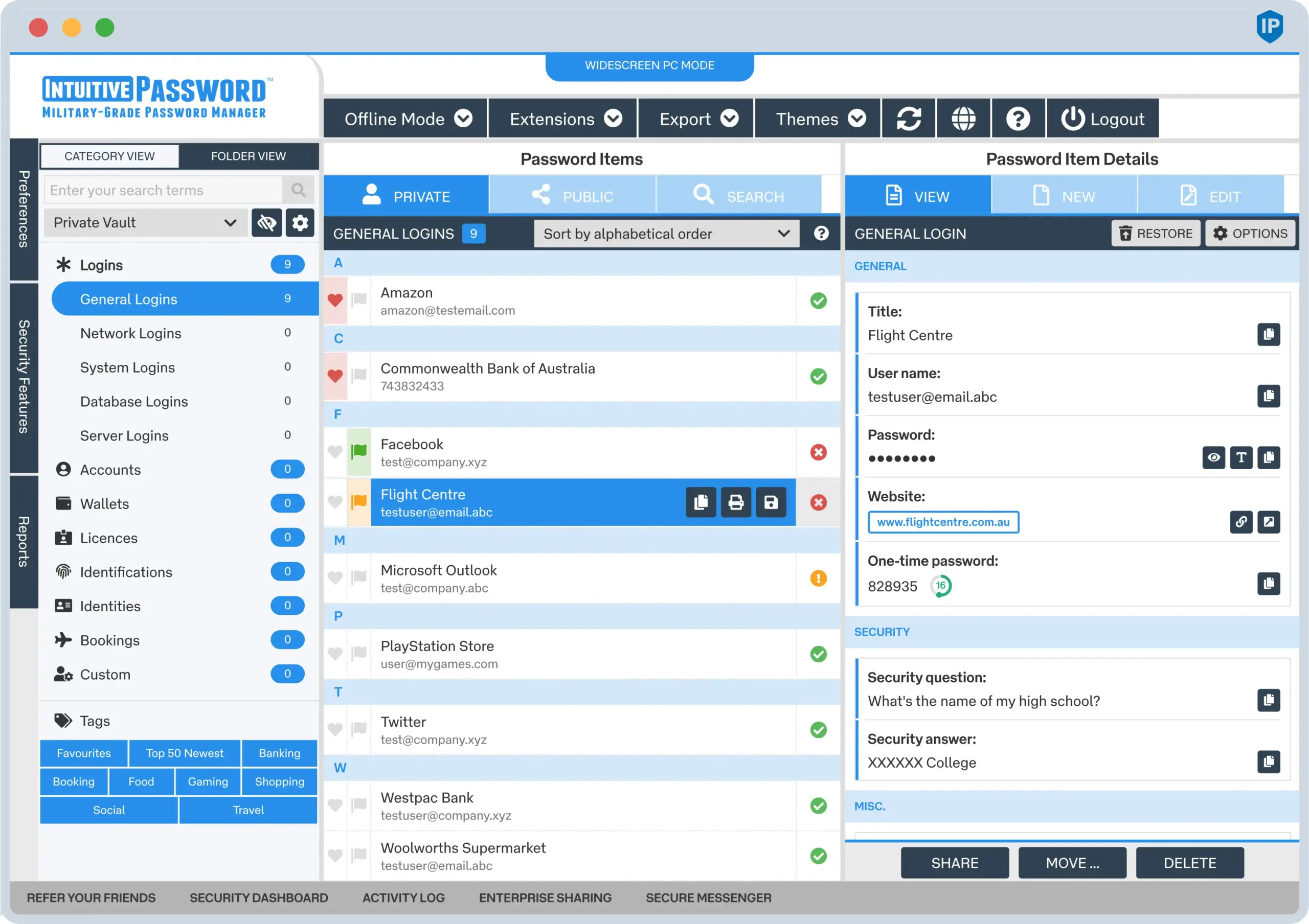
Intuitive Password is a password manager designed with simplicity and usability as its main priorities. It aims to provide straightforward password storage, secure autofill, and easy account management for individuals and small teams without overwhelming users with complex enterprise features.
Below is a complete and objective overview of the key advantages and disadvantages of Intuitive Password.
What Is Intuitive Password
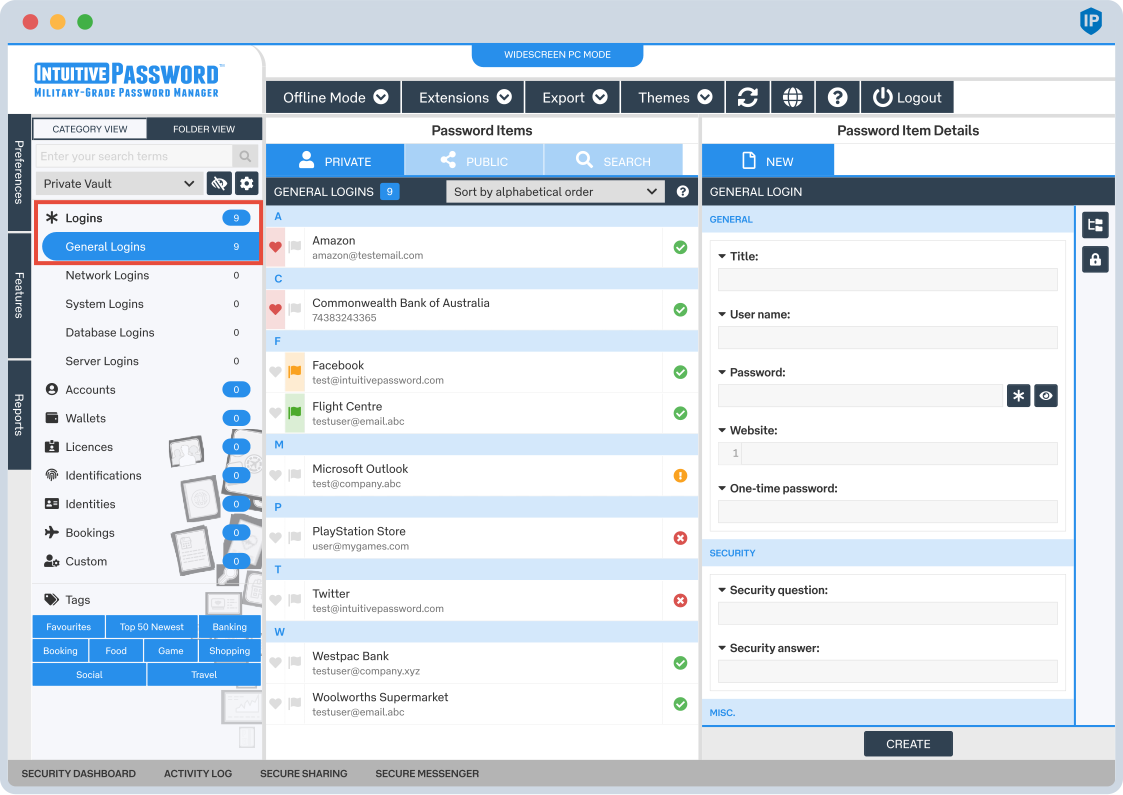
Intuitive Password is a password manager created to:
- securely store passwords and sensitive information;
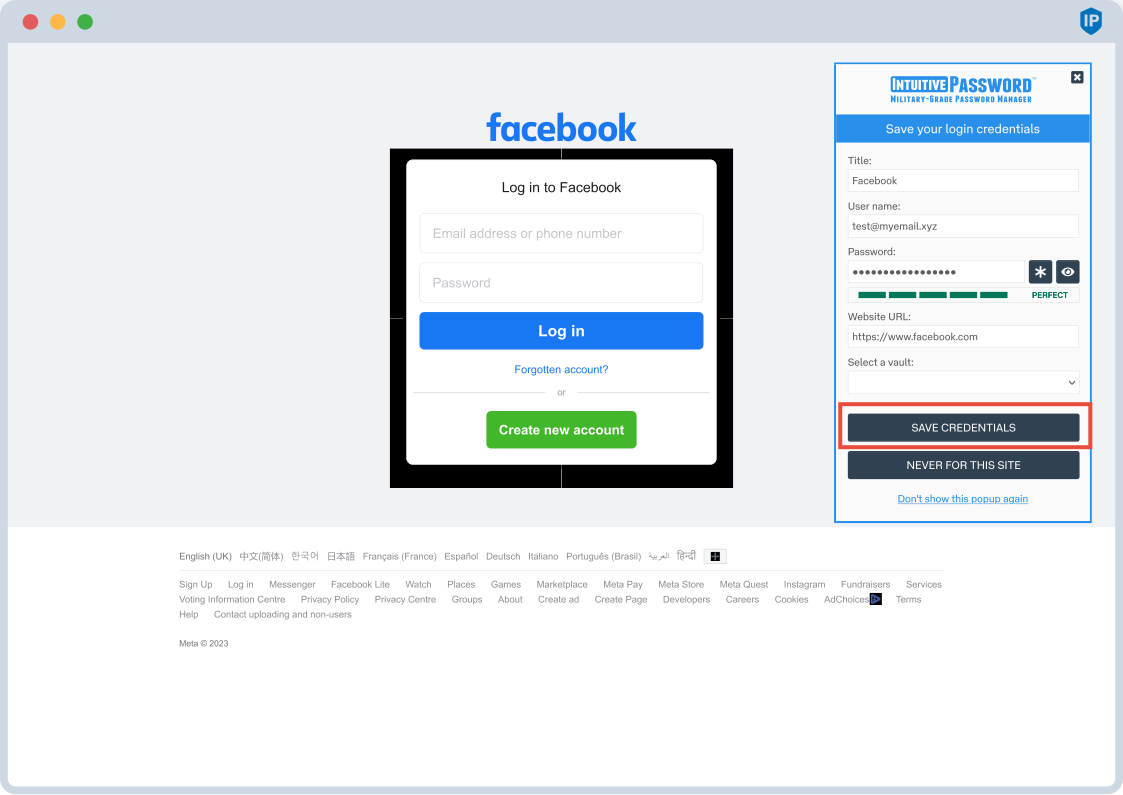
- autofill login credentials in browsers;
- sync encrypted data across devices;
- provide an easy to learn and accessible user experience.
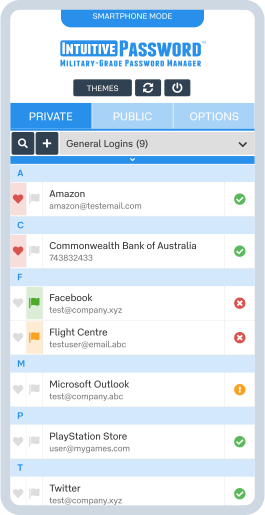
Intuitive Password is available on Windows, macOS, iOS, Android, and major web browsers.
Core Features
- Secure password and note storage
- End to end encryption with zero knowledge architecture
- Password generator
- Browser based autofill
- Cross device synchronization
- Secure sharing options
- Backup and recovery features
✅ Pros of Intuitive Password
🧠 Easy to Use and Beginner Friendly
- Very simple and clear interface
- Minimal setup and short learning curve
- Well suited for users new to password managers
Ease of use is the core strength of Intuitive Password.
🔐 Solid Core Security
- End to end encryption protects stored data
- Zero knowledge design ensures user privacy
- Secure master password model
🌐 Cross Platform Availability
- Works across desktop, mobile, and browser environments
- Consistent experience on different devices
- Suitable for everyday multi device use
💸 Affordable Pricing
- Generally lower cost than premium competitors
- Flexible plans for individuals and small teams
- Accessible entry point for basic password management
🔄 Reliable Basic Autofill
- Stable autofill for most websites
- Reduces the need to manually copy credentials
- Improves daily productivity
❌ Cons of Intuitive Password
🎨 Interface Feels Basic
- Design is functional but not modern
- Lacks visual polish compared to newer tools
- Limited customization options
⚙️ Limited Advanced Features
- No self hosting option
- No passkey support
- Limited password health analytics
🏢 Not Designed for Large Organizations
- Lacks enterprise level admin controls
- Limited auditing and reporting
- Not suitable for complex team environments
🌐 Smaller Ecosystem
- Fewer integrations with third party tools
- Smaller user community
- Less frequent feature innovation compared to major competitors
Who Intuitive Password Is Best For
Recommended if you:
- want a simple and easy to use password manager;
- are new to password management tools;
- need basic cross device password storage;
- prefer an affordable and straightforward solution.
Not ideal if you:
- need advanced security monitoring or passkeys;
- manage passwords for large teams or enterprises;
- want a highly polished or feature rich platform.
Password Manager Comparison Table 2026
|
Product Name |
Encryption & Zero-Knowledge |
Platform Support |
Key Security Features |
Best For |
|---|---|---|---|---|
|
Yes, strong AES-256 + unique secret key |
All major OS & browsers |
Zero-knowledge, MFA, passkeys, secure sharing |
Premium security & usability |
|
|
Yes, AES-256, open-source |
All major OS & browsers |
Self-hosting option, open audit |
Open-source transparency & budget |
|
|
Yes, AES-256, zero-knowledge |
All major OS & browsers |
VPN (paid), breach monitoring |
Security insights + privacy tools |
|
|
Yes, zero-knowledge |
All major OS & browsers |
Password health, email masking |
Best overall value & simplicity |
|
|
Yes, AES-256 + PBKDF2 |
All major OS & browsers |
Self-destruct, secure sharing |
Enterprise & business focus |
|
|
Yes, encrypted vault |
All major OS & browsers |
Advanced form-filling |
Excellent form automation |
|
|
AES-256 local encryption |
All major OS & browsers |
Local-first vault, optional cloud sync |
Local control, no subscription |
|
|
Yes, AES-256 GCM, open-source |
All major OS & browsers |
End-to-end encryption, CLI access |
Privacy-focused, free tier strong |
|
|
Yes, encrypted vault (mixed fields) |
All major OS & browsers |
Cross-platform sync, 2FA |
Easy access, large user base |
|
|
Yes, encrypted |
Web, apps |
Team sharing, access controls |
Business teams |
|
|
Yes, open-source |
Web & extensions |
Self-hosting, team roles |
Technical & DevOps teams |
|
|
Yes, E2E + hardware |
Web & mobile |
Hardware-first, FIDO2 |
Passwordless & simplicity |
|
|
Encrypted sync |
All major OS & browsers |
Integration with Dell ecosystem |
Enterprise users |
|
|
Encrypted |
Enterprise systems |
Active Directory integration |
Enterprise IT control |
|
|
Encrypted |
Enterprise systems |
User access & audit logs |
IT password governance |
|
|
Identity Anywhere (Avatier) |
Encrypted |
Enterprise systems |
Identity + SSO focus |
Large enterprise identity |
|
Encrypted |
Enterprise |
Identity & privileged access |
Identity security suites |
|
|
Encrypted |
All major OS & browsers |
Multiple form filling |
General personal use |
|
|
Encrypted |
Unix-like systems |
Local system vault |
Linux-centric local vault |
|
|
KeePass (via forks like KeePassXC) |
Encrypted local vault |
All major OS |
Portable, local, plugin ecosystem |
Offline control & enthusiasts |
|
Encrypted |
Teams & enterprise |
Team collaboration |
Secure team vault |
Final Verdict
Intuitive Password is a straightforward and accessible password manager focused on simplicity and ease of use. While it lacks advanced features and modern design elements found in leading competitors, it provides solid core functionality for individuals and small teams who want reliable password storage without complexity or high costs.