Last Updated on June 20, 2026 by DarkNet
GrapheneOS offers real security gains on modern Pixels and strict privacy controls, but it is not a magic anonymity device. This overview separates strengths from myths and maps the tradeoffs in 2026.
What GrapheneOS Is in 2026 and Why It’s Considered for High-Privacy Use
GrapheneOS vs stock Android vs iOS in plain terms
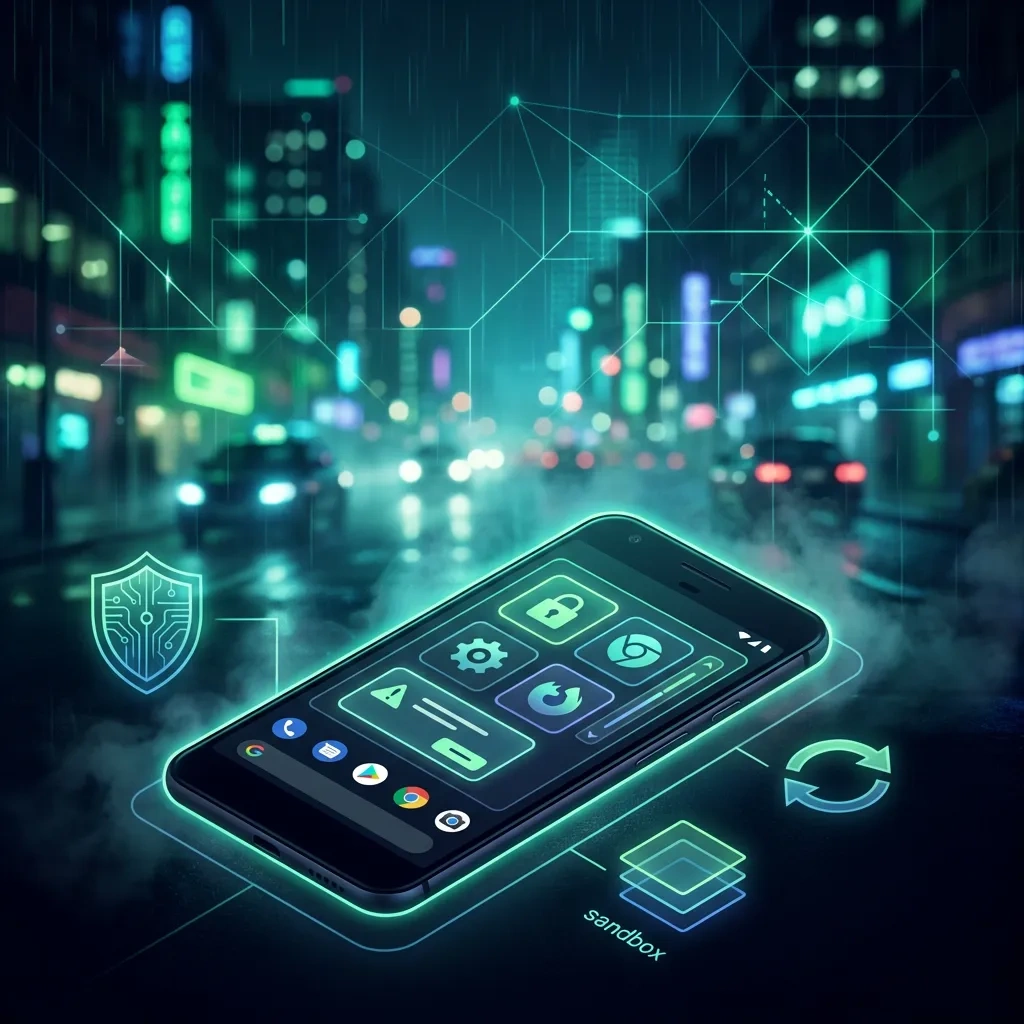
GrapheneOS is a security-and-privacy focused Android derivative for recent Google Pixel devices. It keeps Android app compatibility but adds stronger hardening, more control over sensors and networking, and minimal default telemetry. Compared to stock Android, it removes many bundled services and tightens memory safety, sandboxing, and permissions. Compared to iOS, it offers broader app ecosystem choice and per-app network permissions while iOS focuses on a vertically controlled platform and features like Lockdown Mode.
GrapheneOS is not about hiding from the internet by itself. It is about raising the cost of compromise, shrinking data exhaust, and giving you granular levers. You still manage identity, accounts, and behavior.
What “hardened Android” actually means
Hardened Android in GrapheneOS means kernel and userspace hardening, stricter memory allocators, compile-time and runtime mitigations, tighter SELinux policies, and privacy features like per-app network toggles and contact-scoped storage. The goal is to make exploitation harder and reduce what apps and services can learn or leak by default. See the official project overview for details on features and threat assumptions (GrapheneOS).
Who benefits: journalists, activists, researchers, high-risk users
People who handle sensitive information and want strong device security with mainstream app support benefit most: investigative journalists, human rights defenders, security researchers, public figures, and privacy-conscious professionals. It is also useful for general users who want fewer trackers and tighter permissions on a daily driver.
Threat Models: What GrapheneOS Can and Cannot Protect You From
Local device compromise vs network surveillance
GrapheneOS helps resist local device compromise by improving exploit mitigations and restricting what a compromised app can access. It also limits background data exfiltration. It does not neutralize network-level surveillance by itself. Your cellular provider, Wi‑Fi operators, and upstream telemetry endpoints still see metadata unless you deploy lawful privacy tools. Even then, metadata leakage can remain.
Physical access, forensic risk, and lock-screen realities
With a strong passphrase, secure lock screen, and hardware-backed encryption, at-rest data is well protected on recent Pixels. But if an attacker obtains a live, unlocked device or coerces biometric unlocks, data exposure can occur. Lock screen bypasses are rare but not impossible. For forensic scenarios, assume that device seizure while unlocked or shortly after unlock can yield data. Plan for rapid lock, minimal notifications, and separation of work profiles.
Limits of anonymity: accounts, contacts, and behavior patterns
Anonymity is not the same as device security. Accounts, contact graphs, habitual logins, and unique behavior patterns can identify you even if the OS is hardened. Apps that require phone numbers or persistent identifiers anchor identity. Location patterns and time-of-day usage can correlate across services.
Security Advantages: Hardening, Sandboxing, and Exploit Mitigations
App sandboxing and permission isolation
Android already sandboxes apps. GrapheneOS further tightens permission scopes and adds user-facing toggles that matter in real life: per-app network access, per-app sensors, and granular media access. Work profiles and separate user profiles allow compartmentalization, limiting blast radius if one app goes rogue.
Exploit mitigation and memory safety direction
GrapheneOS ships hardened malloc, stronger kernel PAC-like defenses where available, stricter SELinux policies, and expanded attack surface reduction. Combined, these make common memory corruption chains harder to exploit reliably. This does not replace the industry shift to memory-safe languages but buys time against well-resourced attackers.
Update cadence and security patch policy expectations in 2026
GrapheneOS tracks Android security bulletins quickly and ships timely builds for supported Pixels. Pixel devices continue to set the bar for Android patch cadence and firmware updates. Verify your device’s support window and plan replacements before end-of-life. For upstream references, see the Android security pages and Pixel bulletins (Android security, Pixel security bulletins).
Privacy Advantages: Permissions, Network Controls, and Data Minimization
Granular permissions and sensor toggles
GrapheneOS exposes tight control over camera, microphone, sensors, and location. You can deny sensors globally or per-app. Media access is scoped so apps cannot trawl your library by default. These controls reduce passive data collection and limit accidental leaks during sensitive work.
Per-app network access and firewall-style approaches
Network permission can be toggled per app without root. This functions like a basic firewall that survives reboots and OS updates. Combine this with profiles to keep offline-only tools truly offline and ensure messaging apps cannot phone home beyond what you permit.
Storage scopes, identifiers, and reducing telemetry
Scoped storage and randomized identifiers reduce cross-app tracking. GrapheneOS avoids adding device-wide analytics. Still, the apps you choose can reintroduce telemetry. Audit app permissions, disable advertising IDs where present, and prefer clients that do not require phone numbers or invasive device IDs.
| Pros | Cons |
|---|---|
| Stronger exploit mitigations and hardened defaults on Pixels | Limited to recent Pixel devices and their support windows |
| Per-app network, sensor, and storage controls | App breakage possible when restricting permissions or Play dependencies |
| Minimal default telemetry and no bundled Google services | Some features require Sandboxed Google Play to function well |
| Good update cadence tracking upstream security bulletins | Baseband and proprietary firmware remain a trust boundary |
| Profiles enable effective compartmentalization | User error and cross-profile leaks can still defeat compartmentalization |
| Open documentation and transparent threat assumptions | No guarantee of anonymity against network or behavioral correlation |
The Google Services Question: Sandboxed Google Play vs MicroG vs No GApps
What Sandboxed Google Play is and what it changes
Sandboxed Google Play in GrapheneOS installs Google Play Services and the Play Store as regular user apps inside the standard app sandbox. They do not receive privileged access and must request permissions like any other app. Push notifications and app compatibility improve, but Google processes can still communicate over the network inside their sandbox. See the official usage guidance (Sandboxed Google Play).
Tradeoffs: compatibility, push notifications, and privacy
With Sandboxed Play, more banking, transit, and messaging apps work as intended. Push notifications via FCM function when allowed. Privacy tradeoff: you introduce Google network interaction for those components. You can run Sandboxed Play in a separate profile to compartmentalize data. Without Play, some apps degrade or refuse to run. Choose per use case, not ideology.
How to evaluate app trust without relying on Play Services
Assess app publishers, permissions, network behavior, and update history. Prefer apps with clear privacy policies and minimal required identifiers. Consider F-Droid and direct vendor APKs when appropriate, but verify signatures and updates. Even trusted apps should be profiled with per-app network controls and scoped storage.
Tor and Mobile Anonymity: Realistic Expectations and Common Misconceptions
Tor routes traffic through layered relays to hide network origin from destinations. On mobile, Tor can help reduce direct IP exposure for specific apps, but it does not fix metadata from the cellular network, device radio beacons, or behavioral signals.
Tor on Android: what it can help with and what it cannot
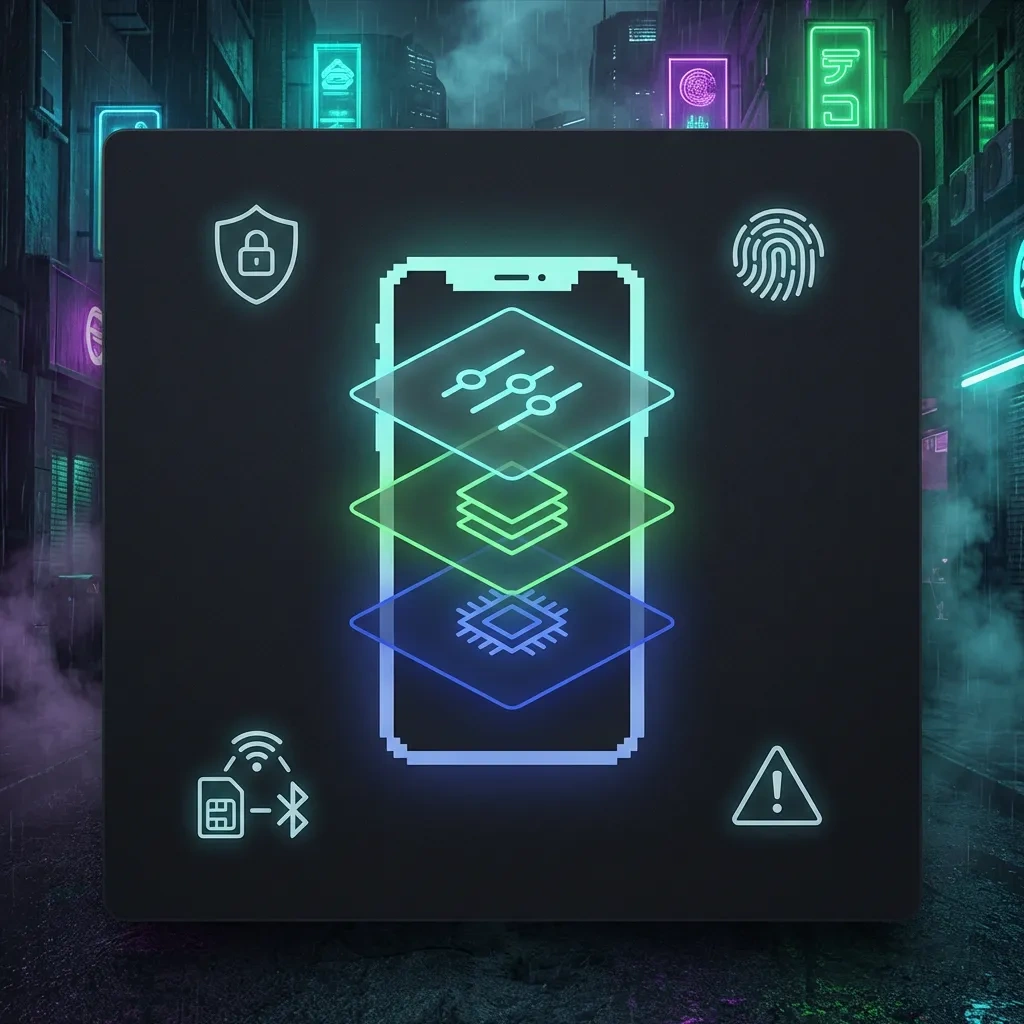
Tor can hide your IP from the destination and resist local Wi‑Fi snooping for Tor-routed traffic. It cannot prevent the cellular network from knowing a device is active in a region. It does not anonymize app accounts tied to real identities. It does not defeat malware already running on the device. For fundamentals, see the Tor Project documentation (Tor support).
DNS, WebView, and app traffic that may bypass expectations
Some apps do not respect system proxies or may resolve DNS independently. Embedded WebView components can introduce mixed routing if misconfigured by app developers. You must assume that not all third-party apps are safely Tor-aware. Restrict network permissions for apps that should never touch the clearnet.
Why “Tor + phone” is not a full anonymity plan
Phones emit radio identifiers, probe for Wi‑Fi, and connect to Bluetooth accessories. Device and browser fingerprints are often stable. Push notifications and background jobs can correlate activity across time zones. Tor on a phone reduces exposure for specific flows, not your overall identity surface.
Operational Risks: Fingerprinting, Metadata, and Human OPSEC Failures
Browser and device fingerprinting on mobile
Mobile browsers expose screen size, fonts, GPU details, and timing quirks. Application-level fingerprints add entropy. Private browsing modes do not neutralize advanced fingerprinting. Standardize on a well-maintained browser profile, disable unnecessary APIs, and accept that uniqueness may persist.
SIM, Wi‑Fi, Bluetooth, and location metadata pitfalls
SIM-based identifiers, cell tower handoffs, and IMSI-related procedures produce metadata. Wi‑Fi scans can reveal travel patterns. Bluetooth accessories broadcast MAC addresses and device classes. Turn off radios when not needed and keep different activities in separate device profiles to avoid cross-correlation. Do not rely on a single phone for all roles.
Common user mistakes that defeat strong device security
Reusing accounts across contexts, enabling broad notifications on the lock screen, mixing personal and sensitive profiles, installing unvetted APKs, and delaying updates are frequent failures. Another is assuming that a VPN or Tor alone solves identity risks while keeping all other habits unchanged.
Device and Ecosystem Constraints: Pixels, Updates, Baseband, and Supply Chain
Why Pixel devices are central and what that implies
GrapheneOS targets Pixels due to their open firmware interfaces, reproducible builds, and fast vendor updates. This brings hardware-backed keystore and verified boot benefits, but it locks you into Google’s hardware cadence. Know your model’s support end date and plan hardware refreshes early. Review the project’s device support page before procurement (GrapheneOS devices).
Baseband and hardware trust boundaries
The cellular baseband and some firmware remain proprietary. Isolation is improved but not absolute. Assume the baseband sees radio metadata. USB accessories and chargers can be attack surfaces. Use trusted power sources and keep USB access limited. Do not enable developer options you do not need.
Procurement, tamper risk, and update end-of-life planning
Source devices through reputable channels. Inspect packaging and verify bootloader state before and after installation. Keep the device updated and retire it before its support window ends. Build a handover plan for when a profile or device might be seized or lost, including remote revocation for accounts.
Practical Setup Checklist for Privacy-First Daily Use (Legitimate Use Cases)
Initial configuration: updates, lock method, and backups
- Install GrapheneOS from the official web installer and verify checksums via the documented process.
- Set a long passphrase. Prefer alphanumeric with length over convenience biometrics. Use fingerprint only if your risk allows it.
- Enable auto-updates for OS and apps. Reboot after monthly security patches.
- Configure secure backups with encryption. Store recovery keys offline.
- Limit lock screen notifications to non-sensitive content or disable previews.
App sourcing and compartmentalization basics
- Create separate user profiles for categories: banking, communications, research. Keep cross-profile sharing off unless required.
- In the profile that needs compatibility, install Sandboxed Google Play. Keep a separate profile without it for sensitive tasks.
- Audit each app’s permissions. Deny network access to offline tools. Restrict camera, microphone, and location to when needed.
- Prefer apps with transparent privacy practices and active security maintenance. Avoid abandoned clients.
- Use per-app language and input method settings to avoid cross-profile keyboard leakage.
Ongoing maintenance: logs, crash reports, and safe defaults
- Disable diagnostic reporting for apps unless you trust the vendor.
- Review app lists and remove anything not used for 30 to 60 days.
- Periodically rotate profile passcodes and re-review permissions.
- Keep radios off when not in use. Avoid auto-join on public Wi‑Fi.
- Plan device replacement 6 to 12 months before end-of-life to avoid gaps in security updates.
GrapheneOS Alternatives in 2026: When Another Stack Fits Better
CalyxOS and other Android privacy ROMs: where they differ
CalyxOS favors usability and bundled microG for compatibility, with fewer aggressive hardening changes than GrapheneOS. It is a reasonable choice if you want privacy improvements with minimal app friction and you accept different threat assumptions. Other ROMs exist but often lag on updates or weaken verified boot. Evaluate update cadence and security posture first.
iOS lockdown mode and MDM considerations
iOS offers strong sandboxing, a curated ecosystem, and Lockdown Mode for targeted attack reduction (Apple Lockdown Mode). App compatibility is excellent. Privacy tradeoffs include account-based services and limited per-app network control. Some organizations pair iPhones with MDM to enforce policies, but MDM itself collects device posture data. Choose iOS if you need top-tier app support and a cohesive security baseline, understanding the privacy model.
Using a laptop-based workflow instead of mobile for high-risk tasks
For very high-risk research or sensitive communications, a laptop with a well-maintained OS and a hardened browser may be safer. Laptops avoid cellular metadata and can run fully compartmentalized VMs. Phones remain convenient but chatty. For Tor usage principles, rely on the Tor Project’s official guidance rather than ad-hoc app chains (Tor Browser manual).
Decision guidance by user type
- If you are a journalist or activist facing device exploitation risk: GrapheneOS on a recent Pixel with strict profiles and minimal apps is a strong fit.
- If you need banking, transit, and corporate apps: Use Sandboxed Google Play in a dedicated profile and keep a separate minimal profile for sensitive work.
- If you prioritize frictionless usability over maximum hardening: Consider iOS with Lockdown Mode or CalyxOS depending on your ecosystem needs.
- If your work demands the lowest possible network metadata: Prefer a laptop workflow without cellular radios for sensitive sessions.
FAQ
Does GrapheneOS make me anonymous on the internet? No. It improves device security and privacy controls. Anonymity depends on your accounts, traffic patterns, and operational choices.
Is Sandboxed Google Play private? It is more private than privileged Google services because it runs as regular apps with permissions you control. It still communicates with Google if enabled.
Can I avoid all trackers without breaking apps? Rarely. Many apps rely on analytics and push frameworks. Balance privacy with function and isolate less private apps into their own profiles.
Is microG better than Sandboxed Play? They solve different problems. microG aims to reimplement some Play APIs. Sandboxed Play preserves compatibility while limiting privileges. Pick based on your app requirements and threat model.
How long are Pixels supported? Support windows vary by model. Check current vendor policy and GrapheneOS device support before purchase. Plan device refresh before end-of-life.
Is Tor Browser on Android enough for safe research? It helps for specific browsing but does not remove mobile radio metadata or prevent identity leaks from your behavior. Use it within a broader plan.
Can law enforcement still investigate me if I use GrapheneOS? Yes. No tool prevents lawful investigations. Device security does not confer legal immunity.
Should I root or unlock extras for more control? No. Rooting weakens security boundaries and increases attack surface. GrapheneOS is designed to operate without root.
Key takeaways
- GrapheneOS is a hardened Android for Pixels that significantly raises the cost of compromise and reduces data exhaust.
- It does not deliver anonymity by itself. Identity, metadata, and behavior remain decisive factors.
- Per-app network and sensor controls, user profiles, and timely updates are the core practical advantages.
- Sandboxed Google Play restores compatibility without privileged access, but it reintroduces Google network interactions. Use it in a separate profile if needed.
- Tor on mobile lowers IP exposure for certain flows, not overall device or identity exposure. Treat it as one layer, not the whole plan.
- Baseband and supply chain limits persist. Keep procurement clean, plan for end-of-life, and prefer trusted accessories and power sources.
- The best results come from disciplined compartmentalization, tight permissions, and consistent updates, combined with lawful, careful habits.
- If your risk is very high, consider a laptop-based workflow for the most sensitive tasks and keep the phone’s role minimal.
References for further reading: GrapheneOS docs, Sandboxed Google Play, Android security, Pixel security bulletins, Tor Project support, Apple Lockdown Mode.