




Last Updated on June 20, 2026 by DarkNet
AdGuard Temp Mail can cut spam and exposure during quick signups, but it has limits. Learn where it fits, where it fails, and safer alternatives for long-term accounts.

What AdGuard Temp Mail Is and What It Isn’t
Disposable inbox in a nutshell: short lived and inbound only
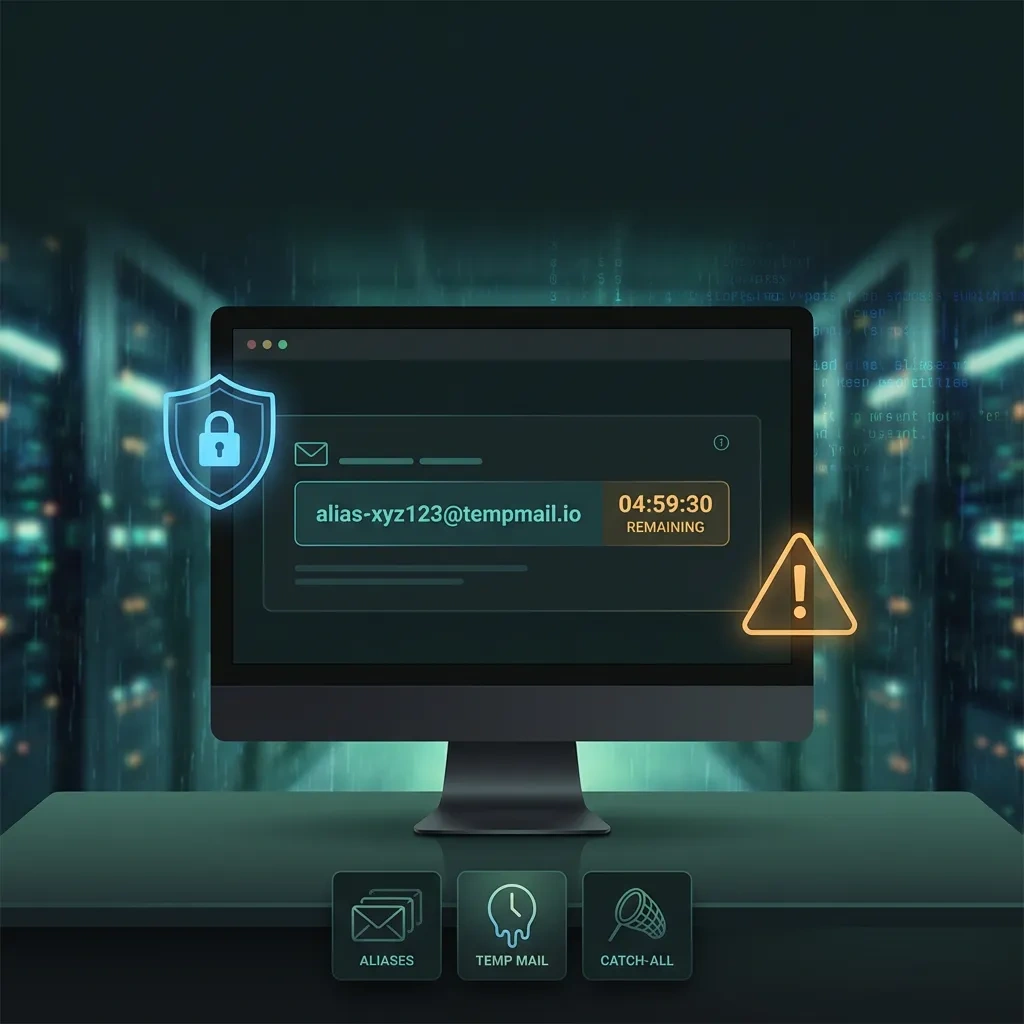
AdGuard Temp Mail is a temporary email service. You generate an address, receive messages for a limited time, and then the mailbox expires. It is designed for quick, low-risk signups and one-time verification codes. It typically supports inbound messages only. Do not expect long-term access, reliable archiving, or a stable identifier for accounts you want to keep.
Alias or secondary account is different from a throwaway
Email aliases forward messages to a mailbox you control. You can keep them alive, route or filter messages, and revoke an alias later. A secondary account is a full mailbox you operate for a separate identity or purpose. Both options provide continuity and recovery paths that disposable addresses lack. Temp mail trades control for speed and lower friction.
Why anonymous email is a misleading promise
Temporary email only reduces exposure of your primary address. It does not hide your IP address, device fingerprint, browser telemetry, or behavior. Websites and trackers can still correlate sessions and devices even if the email address is disposable. Treat temp mail as a compartmentalization tool, not an anonymity solution.
How AdGuard Temp Mail Works (Under the Hood, at a High Level)
Address generation and inbox polling flow
AdGuard Temp Mail generates a random address at a disposable domain and exposes a web inbox where messages appear. Behind the scenes, incoming SMTP mail is accepted and stored for a short period. The web client polls or refreshes to show new messages. Message format follows standard email specifications such as Internet Message Format and SMTP transport. See the RFCs for details: RFC 5322 and RFC 5321.
Expiration, recycling, and what persists
Temporary addresses expire after a limited window. After expiry, the mailbox may be deleted or recycled. You should assume you will lose access to messages after the expiration time. Do not rely on a disposable inbox for recovery codes or receipts you may need later. For current behavior, consult the official AdGuard Temp Mail page: AdGuard Temp Mail.
Limits on attachments, HTML, and message size
Disposable services often impose conservative limits to keep abuse and storage costs down. Expect limits on total message size, attachment types, number of messages retained, and rendering of complex HTML. Remote images may be blocked or proxied. These limits can break rich verification emails or large attachments. If a critical message fails to render, use a durable mailbox you control.
Key Pros: Privacy, Convenience, and Reduced Spam Exposure
Minimize data shared with marketers and breach databases
Using a disposable address prevents your primary email from entering marketing databases and breach dumps. If the site leaks email lists or sells data, your main inbox stays off those lists. This reduces downstream spam and targeted phishing against your real address.
Faster signups and one off verification flows
Temp mail is quick. No account setup, no recovery settings, no billing. It is well suited for downloading a whitepaper, accessing a single resource, or testing a notification workflow during development when a stable address is unnecessary.
Contain spam and neutralize tracking pixels
By disposing of the mailbox, you discard follow-up spam. Many disposable services also block remote images and strip active content, which shrinks tracking surface. You still must treat links and attachments with caution.
Key Cons: Deliverability Issues, Account Lockouts, and Data Retention Questions
Why many sites block disposable domains
Disposable domains show up on public blocklists because they correlate with throwaway signups, abuse, and low-value accounts. Many websites reject these domains to protect trial limits, reduce fraud, and improve deliverability. If a site blocks temp email, use a policy-compliant alternative such as an alias or a secondary account you control.
Recovery and lockout risk when mail expires
Once the inbox expires, you cannot receive new messages. If a service challenges your login with a code or forces a password reset, you can be locked out permanently. This is the most common and painful failure mode of disposable email.
Data retention and logging caveats you should assume
Providers can log server events and store messages for a limited window. You cannot verify internal retention or access policies. Operate on the assumption that a third party briefly processes your emails and metadata. Avoid receiving sensitive personal information or account recovery links in a disposable inbox.
| Criteria | Pros | Cons |
|---|---|---|
| Privacy | Shields your primary address from spam lists and breaches | Does not hide IP, device, or behavior; third-party inbox sees your mail |
| Reliability | Fast and simple for one-off verification | Deliverability varies; some sites block disposable domains |
| Recovery | None needed for short-lived access | No recovery path after expiry; password resets will fail |
| Control | No setup overhead; trivial to discard | No forwarding rules, filtering, or long-term ownership |
| Suitability | Great for trials, newsletters, low-stakes forms | Unsafe for financial, government, or identity-linked accounts |
Security and Privacy Threat Model: What Temp Mail Can and Can’t Protect You From
Helps with compartmentalization and spam control
Temp mail reduces the blast radius if a site leaks email lists and helps compartmentalize low-trust signups. It is most effective as a shield for your primary address and as a disposable sink for unsolicited marketing messages.

Does not hide IP address or device fingerprinting
Using a disposable address does not change your IP address, browser fingerprint, or behavioral patterns. Sites can still correlate sessions using cookies, TLS fingerprints, and device characteristics. Treat temp mail as one privacy layer among many, not a stand-alone anonymity tool.
Email-borne risks: phishing, malware, and spoofing
Phishing and malicious attachments remain a risk even in temporary inboxes. Verify sender domains, avoid entering credentials from email links, and treat attachments as untrusted. For general guidance, see OWASP coverage of phishing risks: OWASP Phishing.
| Protects | Does not protect |
|---|---|
|
|
Common Use Cases: When Disposable Email Helps vs. When It Backfires
Good fits: newsletters, trials, and low-stakes forums
Use temp mail for low-risk signups, previewing a newsletter, downloading gated content, testing a demo, or joining a forum you do not plan to revisit. If the mailbox expires, you lose little.
Bad fits: banking, marketplaces, and long-term accounts
Do not use disposable email for banking, payments, government services, healthcare portals, tax tools, phone number or SIM registration, cryptocurrency exchanges, ride-share or delivery apps, or any marketplace with dispute resolution. These accounts rely on durable addresses for security alerts and recovery.
Team and enterprise drawbacks you should expect
In business settings, disposable addresses break audit trails and ownership continuity. They complicate compliance and incident response. Teams should prefer alias-based systems or role accounts under a domain they manage.
AdGuard Temp Mail vs. Alternatives (Aliases, Catch‑Alls, Burner Providers)
Aliases that you control for long lived accounts
Aliases forward to a mailbox you own. You can delete or rotate an alias if it leaks, while keeping recovery and continuity. Many providers support per-alias rules, tags, and privacy filters.
Catch all domains for builders and teams
Running your own domain with a catch all lets you accept anything@yourdomain and route it to folders or unique mailboxes. This offers high control and observability at the cost of setup and maintenance.
Other disposable providers and their tradeoffs
Burner services vary in deliverability, UI, domain reputation, and retention. Always assume no recovery and validate limits before relying on them during testing.
| Dimension | Temp mail | Alias | Catch all domain |
|---|---|---|---|
| Ownership | Third-party disposable inbox | Your provider forwards to your mailbox | Your domain and server or provider |
| Persistence | Short lived | Long lived until you revoke | Long lived, you define policies |
| Deliverability | Often blocked | Generally good | Strong if domain is reputable |
| Recovery | None after expiry | Full recovery via primary account | Full recovery under your admin |
| Privacy | Hides your main address only | Compartmentalizes per-alias | Maximum control and logging on your side |
| Setup complexity | None | Low | Medium to high |
| Cost | Typically free | Often included with provider | Domain and hosting costs |
| Best for | One-off verifications | Accounts you need to keep | Builders, teams, and power users |
Practical Tips for Safer Use Without Breaking Site Policies
Decide up front based on recovery and persistence
Before signing up, ask: will I need password resets or long-term access? If yes, use an alias or secondary account. If no, a temporary address can be fine.
Reduce tracking: block remote images and verify links safely
Disable automatic loading of remote images and avoid clicking links you cannot verify. When in doubt, navigate directly to the site and complete verification from your authenticated session.
Keep records: screenshots, codes, and time limits
If you must use temp mail, capture time-sensitive codes or confirmation numbers before the inbox expires. Save proofs you might need later for support tickets.
- Decide if the account is low-risk and expendable.
- Check if the site is likely to block disposable domains. If so, use an alias instead.
- Confirm you do not need recovery emails later. If you do, use a durable mailbox.
- Plan for tracking reduction: block remote images and avoid risky links.
- Record any codes or receipts you may need after the inbox expires.
FAQ: Troubleshooting and Best Practices
Is it safe for signups and verification codes?
For low-stakes, short-term signups, yes. Verify links carefully and avoid sensitive data. For anything you need to keep, prefer an alias or secondary account.
Why do some websites block it?
Disposable domains are associated with abuse and churn. Sites block them to enforce fair trials and reduce fraud. Use policy-compliant options such as aliases if blocked.
How long do messages and inboxes stay available?
Temporary inboxes are short lived. Availability and retention vary by provider and may change. Check the AdGuard Temp Mail page for current behavior: AdGuard Temp Mail.
Can it be used for password resets/account recovery?
No. Once the inbox expires, you lose access to password resets and security alerts. Use an address you control long term.
Temp email vs alias?
Temp email is quick and disposable. An alias is stable, forwards to your mailbox, and preserves recovery while protecting your primary address. Use temp mail for one-off access, aliases for accounts you keep.
What to do if verification email never arrives?
Wait a few minutes and refresh. Check that the service did not block disposable domains. If it likely blocked the domain, switch to a legitimate alternative such as an alias or a secondary account you control. Do not attempt to bypass site policies.
Better alternatives for long-term accounts?
Use aliases under a provider you trust or a secondary account on a reputable service. For advanced control, operate your own domain with a catch all. These options support deliverability and recovery.
Key takeaways
- AdGuard Temp Mail reduces primary address exposure but does not provide anonymity.
- Expect deliverability blocks and zero recovery after the inbox expires.
- Use temp mail only for low-risk, short-term signups and verification codes.
- For durable accounts, choose aliases or a secondary account you control.
- Assume a third party briefly processes your mail and metadata.
- Reduce tracking by blocking remote images and avoiding untrusted links.
- Never use disposable email for financial, government, healthcare, or marketplace accounts.
- Consult standards like RFC 5322 and RFC 5321 for how email formatting and transport work.








