




Last Updated on June 20, 2026 by DarkNet
This explainer breaks down 10 Minute Mail and similar temporary email services. See when a throwaway email helps, where it fails, and safer alternatives to consider.

What 10 Minute Mail Is and How It Works
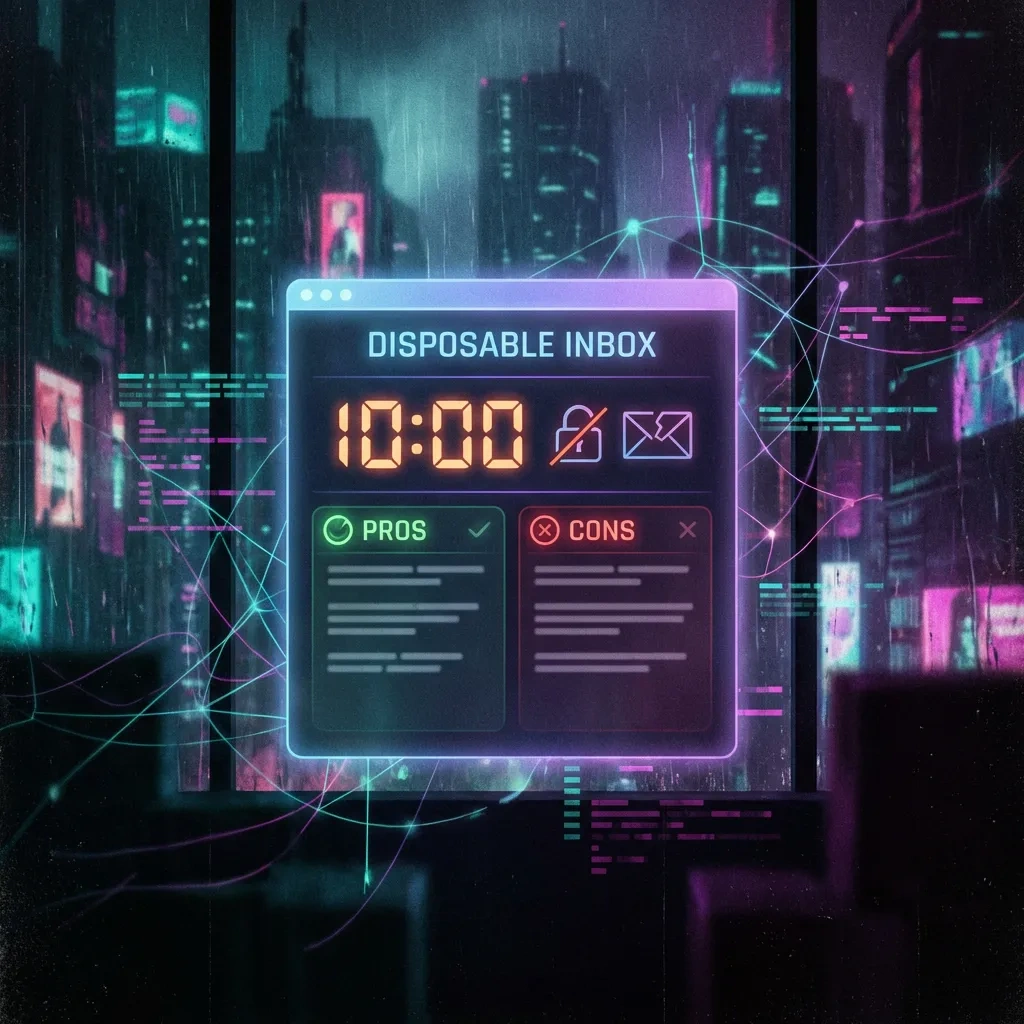
Disposable inbox lifecycle (creation, expiry, extension)
10 Minute Mail is a temporary email service that provides a throwaway inbox with a short timer, commonly 10 minutes, to receive messages like verification codes. You visit the site, receive an auto-generated address, and monitor an in-browser inbox for incoming mail until the timer runs out. Some implementations let you extend the timer or regenerate a fresh address. Once the countdown ends, the inbox is typically deleted and messages are purged.
This lifecycle favors quick interactions. It works best when you expect exactly one or two messages within a narrow window and you do not need persistence, folders, or historical access later.
Common features and limitations (refresh, viewing, forwarding limits)
Most temporary inboxes auto-refresh, show sender, subject, and body, and allow opening links or copying codes. Some allow manual refresh. Forwarding is rare or disabled to limit abuse and leakage. Attachments may be blocked, stripped, or size limited. HTML messages often work, but complex CSS, tracking pixels, and images might be filtered or proxied.
Services frequently rotate domains, throttle traffic, or drop suspicious mail. Many do not support SMTP sending from the address, and even if they do, recipients may flag such mail as high risk.
What you give up vs a real email account
Temporary email trades reliability and continuity for speed and anonymity. You lose message history, robust search, contact lists, recovery flows, long-term storage, and formal support. You also forfeit strong identity controls and security features available with major providers, such as two-step verification, encrypted backups, or alerts.
Key Benefits: When a Disposable Inbox Makes Sense
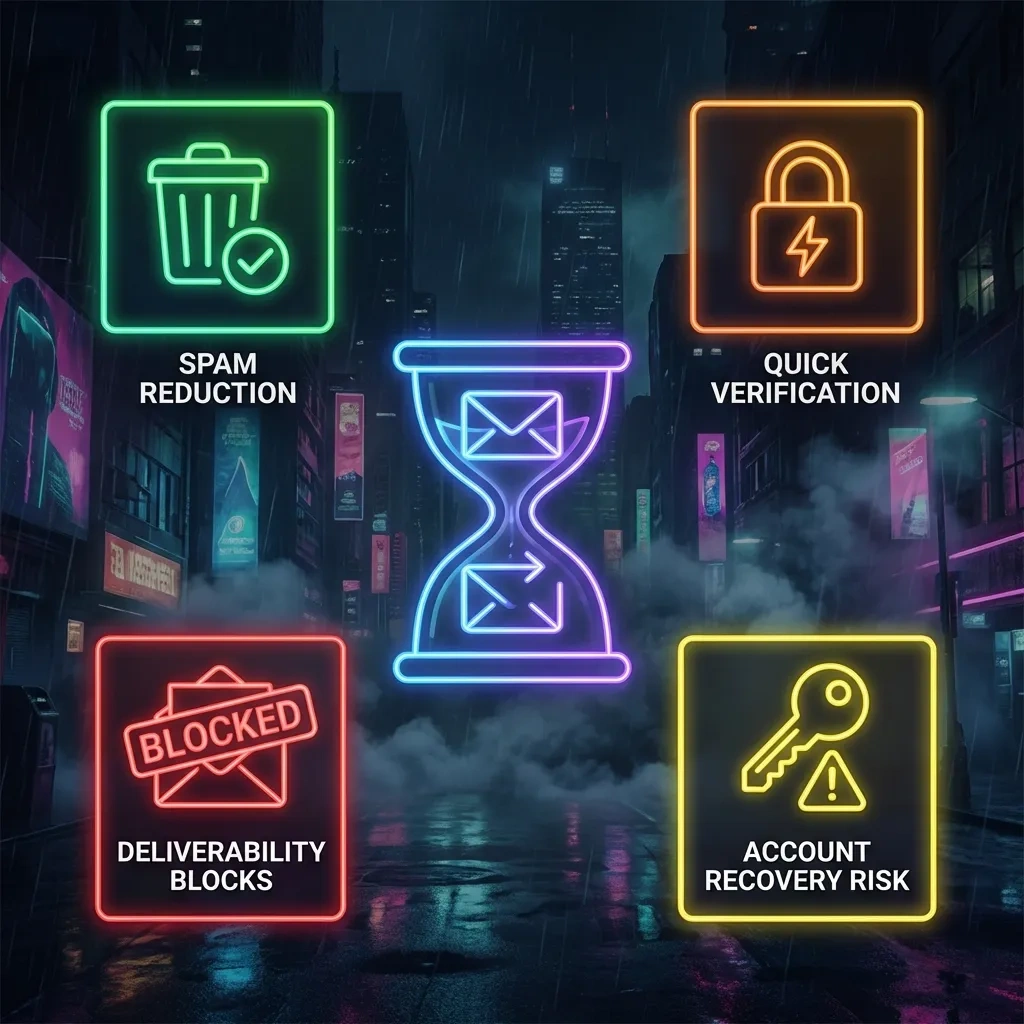
Reduce spam and marketing exposure
Using a temporary inbox for low-stakes signups reduces the chance your primary email is added to marketing lists or leaked in future breaches. If messages become noisy, the address disappears with the timer, cutting off future spam to your real inbox.
One-off verification for low-stakes services
Temporary email is handy for services that require email verification but do not need identity binding, long-term access, or financial transactions. Think quick downloads, event RSVPs without personal details, or reading a whitepaper that gates content behind a verification step.
Developer and QA workflow testing
Developers and QA teams often use throwaway email to test registration flows, transactional messages, and notification formatting without polluting real mailboxes. It is convenient for staging or demo environments where you expect to discard test data quickly.
| Pros | Cons |
|---|---|
| Fast, no signup, minimal friction | Short timers lead to missed messages |
| Keeps your primary inbox private | No history, search, or continuity |
| Useful for low-risk verification and testing | Many sites block disposable domains |
| Reduces spam and tracking tied to your identity | Unsafe for recovery, 2FA, or important accounts |
| Simple way to compartmentalize short tasks | Unclear privacy, logging, and jurisdiction |
Downsides and Failure Modes You Should Expect
Short expiry windows and missed messages
Timers are unforgiving. If a site delays sending a code, or if a multi-step process sends a second message later, you may miss it. Even when extensions exist, a page reload, browser crash, or network hiccup can end your session and trash the address.
No mailbox history or search and limited continuity
Once deleted, messages are gone. There is no search, label, or archive. If you ever need receipts or proof of terms, you will not have them. Any account created with a temporary email address may be permanently severed from you when the inbox expires.
Multi-step signups and delayed emails break
Flows that require delayed confirmation, periodic emails, or security alerts will fail. Password reset and recovery emails sent months later will never reach you. Subscriptions or services that impose friction, like manual reviews, will outlast the timer and block you from completing enrollment.
Privacy and Data Retention: What You Can and Can’t Assume
Who can access inbox content and how public it can be
Many disposable inboxes are effectively public to the service operator and sometimes to anyone who knows or guesses the address. Do not assume uniqueness or confidentiality. Some services show the inbox in a shared view where others could see messages that arrive to the same address string.
Logging and retention realities and third-party infrastructure
Even if a service deletes content after expiry, metadata or logs may persist for abuse monitoring or legal compliance. Providers may rely on third-party hosting, content delivery, anti-spam filters, or analytics that collect IP addresses and timing data. Be cautious with sensitive content.
Jurisdiction and policy transparency checks
Where the provider operates affects legal process, data access, and retention. Review the service policy if available, but treat it as a best-effort statement rather than a guarantee. Prefer providers that publish transparent retention timelines and abuse-handling practices.
Security Considerations: Threats, Abuse, and Account Recovery Risks
Why disposable email is risky for important accounts
If you register an important account with a temporary inbox, you may permanently lose the ability to prove ownership or receive recovery messages. Anyone who later obtains or recreates the same address on a public service might capture incoming emails, including reset links if the site fails to verify current control. For sensitive or financial services, always use a durable, well-protected mailbox with strong authentication.
Phishing and malicious links in throwaway inboxes
Disposable inboxes attract spam and phishing because abusers know users expect verification messages and may click quickly. Treat all links with caution, verify domains, and avoid entering credentials or personal data in forms reached from a temporary mailbox.
Why temp mail is a bad fit for 2FA, alerts, and recovery
Two-factor tokens, security alerts, and recovery links often arrive at unpredictable times. A 10 minute email will not be available when you need it, and it creates opportunities for account takeover if messages are misdirected. Use a stable mailbox for recovery, and prefer authenticator apps or hardware tokens for 2FA in line with security guidance such as NIST SP 800-63B.
Deliverability and Blocking: Why Many Sites Reject Temporary Emails
How blocking works (domain lists, MX patterns) – high level
Many services check signups against blocklists of disposable domains or patterns in mail exchanger records. Some detect rapid address churn or known temporary providers and refuse registration. Mail systems also apply reputation models that score sender and recipient domains, affecting whether messages are accepted, delayed, or dropped.
Captcha and step-up verification triggers (no bypass tactics)
Using a temporary inbox, shared networks, VPNs, or Tor can increase risk scores and trigger captchas or extra verification steps. This is normal. If a site requests stronger proof, either comply or use a stable email address. Do not seek to evade controls.
How to interpret non-delivery and bounces
Verification emails may never arrive or may bounce if the sender blocks disposable domains or cannot route to the provider. Some systems defer mail for later retry, which exceeds your timer. If you repeatedly see bounces or long delays, switch to a long-lived address or an alias at a mainstream provider.
Best Practices for Legitimate Use
Appropriate vs inappropriate use cases
Appropriate: one-off downloads, low-risk newsletter trials, staging and QA, demo logins, or short-lived community access that does not store personal or financial data.
Inappropriate: banking, exchanges, marketplaces, government portals, health portals, social accounts you care about, or anything that relies on email for authentication, invoices, or legal notices.
Minimize data leakage (unique passwords, avoid reuse)
Use unique, strong passwords for any account, even if created with a throwaway email. Never reuse passwords across sites. Avoid sending sensitive data through the temporary mailbox. Consider copy-pasting verification codes instead of clicking links when possible.
Browser hygiene (profiles, cookies, tracking reduction)
Use separate browser profiles or containers for throwaway tasks to reduce cross-site tracking. Private windows can help, but do not assume full anonymity. Clear site data after use. Consider disabling third-party cookies and email tracking pixels where supported. Refer to your browser privacy documentation for settings that fit your needs.
Alternatives to 10 Minute Mail and How to Choose
Disposable inbox vs longer-lived temp inbox services
Some services offer longer timers or persistent but low-friction inboxes that last hours or days. These are better for multi-step confirmations while still isolating your main address. They remain unsuitable for recovery, payments, or identity-linked accounts.
Email aliases and custom domains
Aliases at mainstream providers, including plus addressing, let you create distinct addresses that still deliver to your main inbox. They preserve continuity and recovery while helping with filtering and breach tracing. Custom domains give you full control with permanent addresses and provider portability.
How to choose: retention, privacy policy, usability
Compare retention periods, whether inboxes are public or private, domain reputation, attachment support, and policy transparency. For aliases, check whether your provider supports folder rules and sender protection. For important accounts, prioritize long-term control, recovery options, and strong authentication features.
FAQ: Common Questions About 10 Minute Mail
What is 10 Minute Mail compared to a normal email provider?
It is a temporary email that exists for a short time to receive messages, usually verification emails. A normal provider gives you a stable, personal mailbox with storage, history, and recovery.
Can others read my temporary inbox?
It depends on the service. Many providers or anyone who knows the address could see messages. Assume operators can access content and treat inboxes as low privacy.
Can I extend the time or recover an expired address?
Some services let you extend the timer during your session. Once expired, most addresses and messages are gone and not recoverable.
Why do sites block temporary emails?
Disposable domains are widely used for abuse and low-quality signups. Sites block these domains or related patterns to protect reputation, reduce fraud, and maintain deliverability.
Is a disposable inbox safe for password resets or recovery?
No. You can lose access at any time, and messages may be exposed. Use a long-lived, secured mailbox with strong authentication for account recovery.
What alternatives are better for a longer-lived address?
Use provider-managed aliases or a secondary permanent mailbox. Custom domains give you the most control. These options preserve recovery flows and continuity.
What is plus addressing and should I use it?
Plus addressing adds a tag to your email name, like user+site@provider. It helps filter and track signups without creating a new inbox. It is a good fit for everyday use.
Conclusion: 10 Minute Mail and similar disposable email tools are best for quick, low-risk tasks, developer testing, and spam reduction. For anything you value or may need to recover later, use a durable email address or an alias at a reputable provider, enable strong authentication, and keep recovery details current.
Key takeaways
- 10 Minute Mail offers fast, anonymous verification for low-stakes tasks but sacrifices continuity and reliability.
- Expect blocking, bounces, and delays. Many websites reject temporary email domains outright.
- Never use disposable email for 2FA, password resets, money, or identity-linked accounts.
- Privacy is limited. Operators and sometimes others may see inbox content and metadata.
- For longer projects, choose aliases or a secondary permanent mailbox to keep recovery and history.
- Practice browser hygiene and use unique passwords to reduce data leakage and tracking.
- Evaluate services by retention, policy transparency, and domain reputation before use.
References: RFC 5321 on SMTP basics for delivery and bounces, NIST SP 800-63B for authentication guidance, and your browser’s privacy settings such as Firefox Total Cookie Protection to reduce tracking.








