




Last Updated on June 20, 2026 by DarkNet
Guerrilla Mail can cut spam and speed up low-stakes signups, but it is not a magic cloak. Here is a practical, privacy-aware look at what it does, where it fails, and safer options.
What Guerrilla Mail Is and How It Works
Disposable inbox basics and message retention windows
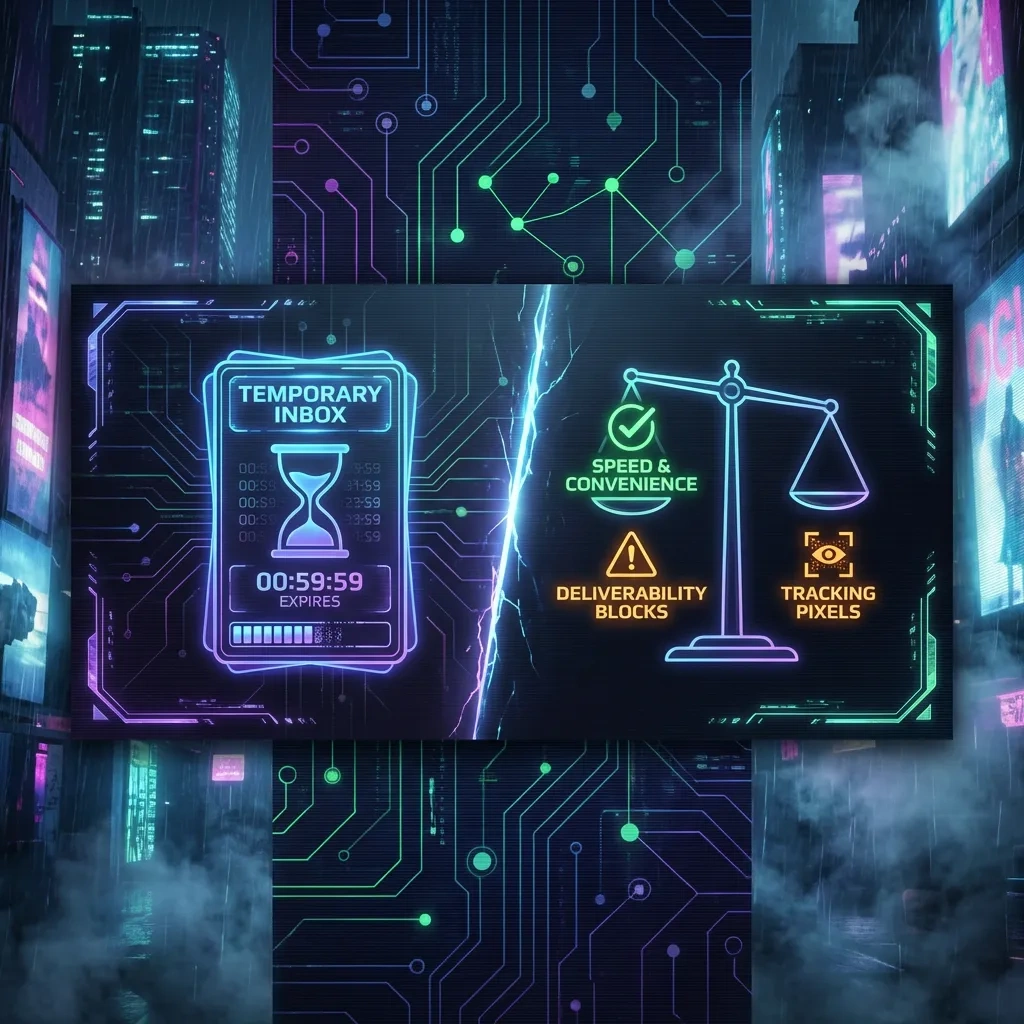
Guerrilla Mail is a disposable email service that provides a temporary inbox without sign up. It is useful for low-risk scenarios like one-time verifications and testing. Messages are kept for a short period, then purged. Retention is limited by design; the service may recycle or expire addresses, and messages typically remain accessible for only a brief window. You should assume that anything you receive could disappear soon and that inboxes are not private archives.
Random address generation and custom local-part options
On load, Guerrilla Mail generates a random address on one of its domains. Many users accept the default random local part to reduce collisions with others. Some variants let you choose a custom local part, but this increases the chance another person can guess or reuse your address later. Because addresses can be public and not tied to an account, the same local part can be selected by different users over time.
Browser-based workflow and typical verification scenarios
The basic workflow is simple: open the site, note the inbox address, paste it into a sign-up form, then watch the inbox for a verification email. Messages appear in the web interface. You click the verification link, complete the process, and walk away. This is attractive for newsletter signups, beta trials, or demos where you do not want to expose a primary email. Keep the tab open while you complete the verification; once you close it and time passes, the address and messages may no longer be accessible.
Key Benefits: Speed, Convenience, and Minimal Sign-Up Friction
Instant inbox access without account creation
Guerrilla Mail prioritizes speed. You visit, get an inbox, and receive mail within minutes. No registration, no password, no profile. That low friction is ideal for quick tests and throwaway signups.
Reducing spam exposure to primary email addresses
By using a temp address for untrusted forms, you avoid handing your primary address to unknown parties. This reduces follow-on spam, data broker collection, and marketing drip campaigns reaching your real inbox.
Low-cost testing for web forms and signup flows
Developers and QA testers can validate email flows without provisioning test accounts. For one-off checks, a disposable inbox is faster than setting up a domain, mailbox, and filters. It is also useful in training environments where creating real accounts would be excessive.
Pros vs cons summary
| Pros | Cons |
|---|---|
| Instant, no-account inbox for quick verifications | Short retention and no guaranteed persistence |
| Protects your primary email from spam and leaks | Public or guessable inbox risk; others may read messages |
| Useful for testing and low-stakes signups | Many platforms block disposable domains |
| No cost and minimal setup | Weak deliverability for important messages and codes |
| Separation of casual sites from your real identity | Not private, not anonymous, and unsuitable for recovery |
Privacy and Anonymity Realities: What It Does and Does Not Protect
What metadata remains visible to providers and sites
Disposable inboxes can reduce the spread of your long-term email identifier, but they do not erase metadata. Websites you interact with still see your browser, network, and timing information. Email headers often reveal sending infrastructure and authentication status such as SPF, DKIM, and DMARC checks, though the details vary by sender and relay. If you click links, the destination site can still correlate your session with IP and browser data.
For background on sender authentication techniques, see the IETF specifications for DKIM (RFC 6376), SPF (RFC 7208), and DMARC (RFC 7489).
IP address, browser fingerprinting, and tracking pixels
Opening a temp inbox does not hide your network path. Sites you visit see your IP and can apply browser fingerprinting. Many emails embed remote images or tracking pixels that log when and where a message is opened. Consider blocking remote content by default. Mozilla documents remote content controls in mail clients, which also apply conceptually to webmail behaviors (Mozilla Support: Remote content).
Misconceptions about anonymity and operational security
Guerrilla Mail helps with spam reduction and light separation of identities, but it is not a strong anonymity tool. The service may log server-side metadata to operate the platform. Addresses can be guessed. Verification links can identify your session when clicked. Treat temp email as a convenience for low-risk tasks, not as an anonymity guarantee. For legitimate privacy, focus on minimizing data you share, compartmentalizing browsing contexts, and following site rules.
Security Considerations: Threats, Tracking, and Inbox Exposure
Public/guessable inbox risk and shared-address collisions
Because a temp address is not bound to you by login credentials, anyone who knows or guesses the same local part may access the inbox. If a site emails a password reset link or a one-time code to that address later, another person could capture it. That is why temp inboxes are a poor choice for anything important or persistent.
Phishing, malicious links, and attachment handling cautions
Disposable inboxes attract spam and phish. Links may lead to credential theft or malware. Attachments can be dangerous. Open as little as possible and only from sources you trust. When in doubt, do not click. If you must interact, prefer text-only content and verify the destination domain carefully. Never reuse a password or sensitive token revealed in a temporary inbox.
Third-party scripts, trackers, and email content leakage
Webmail interfaces typically load third-party assets. While reputable operators try to minimize leakage, any web page can expose browser details to embedded scripts. Also, when you load remote images in an email, the sender learns that the address is active and when it was opened. Keeping remote content blocked and limiting clicks reduces this exposure.
Deliverability and Reliability: When Emails Arrive (and When They Don’t)
Blocks by major platforms and disposable-domain detection
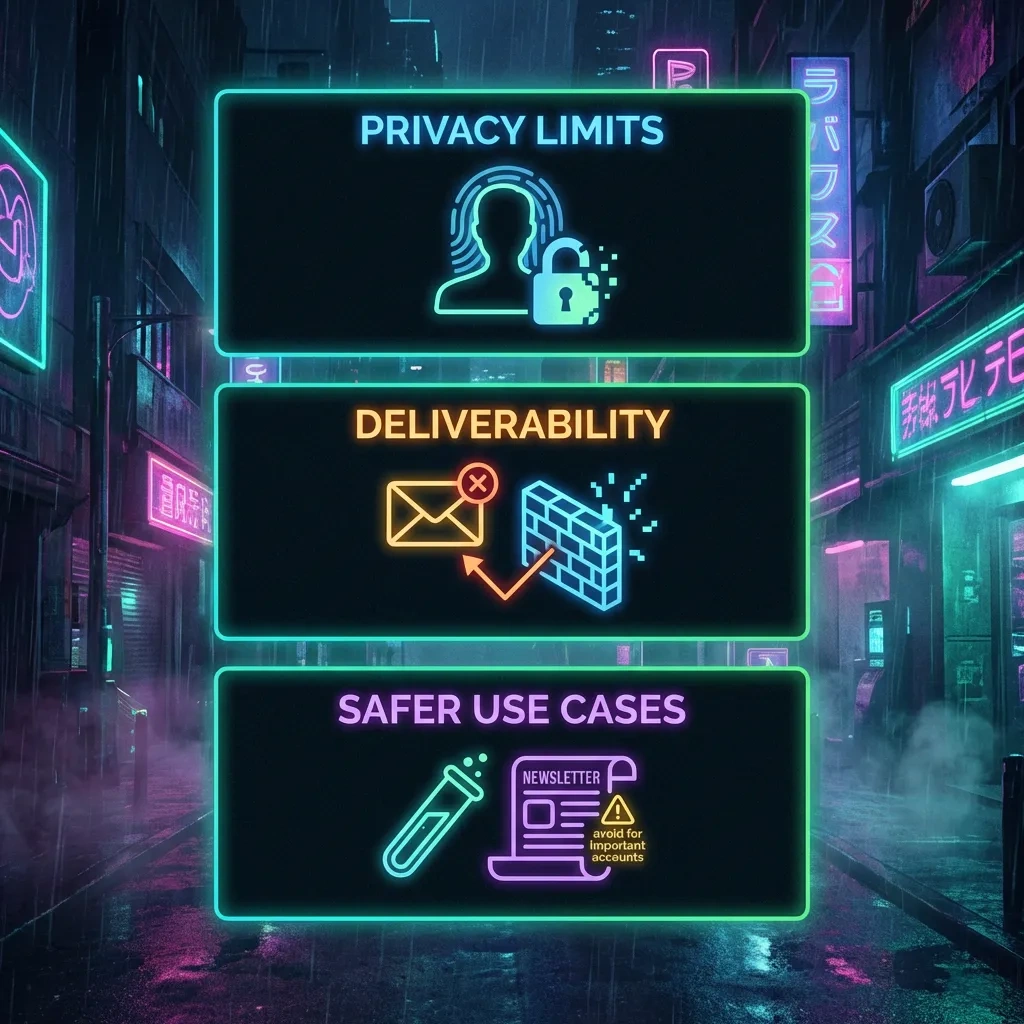
Many services detect and block disposable email domains to reduce fraud and abuse. Filters compare domains against known disposable lists, examine sending patterns, or require extra checks. This means verification messages may never be sent to or accepted for temp addresses. Even when sent, some providers downgrade or quarantine messages from disposable domains.
Rate limits, queue delays, and missing messages
Under load, messages to temp domains can be delayed. Verification codes may expire before arrival. If the sending service retries slowly or uses strict authentication, some messages may bounce. Because retention is short, a delay of minutes can make a message effectively unretrievable.
Choosing domains and troubleshooting common failures
Different disposable domains have different reputations. Some will be blocked more often. For anything that must work, consider using a persistent address or an aliasing solution instead of depending on a throwaway domain. If you still want to try a disposable inbox for a low-risk signup, use the checklist below.
- Confirm the email address is exactly as shown in your temp inbox. Typos are common.
- Keep the inbox page open and refresh for several minutes. Some senders queue messages.
- Request a fresh code only after a reasonable wait. Multiple requests can cancel earlier codes.
- Check whether the site’s policy disallows disposable addresses. If so, use a long-term address or an email alias service.
- If the verification link opens but fails, copy and paste it into a fresh tab to avoid mixed sessions.
- If timing out repeatedly, switch to a persistent email that you control for that service.
- For critical flows, avoid temp email altogether and use an address that supports recovery.
Usability Limits: Attachments, Replying, Persistence, and Custom Addresses
Reply/send capabilities and constraints
Some disposable services allow limited replies or forwarding, but sending is not guaranteed and often restricted. Messages may be rewritten or tagged. You should not rely on a temp inbox to conduct a conversation or to send messages that must be delivered reliably. If two-way communication matters, use a stable account.
Retention, expiration, and the risk of losing access
Retention is short by design. After a time window, messages are purged. If you later need to reset a password or confirm a device, you likely will not have access to the original inbox. You also cannot prove ownership of a temp address over time, so support teams are unlikely to help.
Multi-step account recovery problems with temporary inboxes
Many platforms use multi-step flows that send multiple codes or links. A temporary inbox can expire between steps. Recovery flows often require the original address, so using a disposable email can lock you out. For any account you care about, use an address that you control long term and secure it with appropriate recovery options.
Legitimate Use Cases and When to Avoid Disposable Email
Appropriate scenarios: trials, newsletters, low-risk signups
Good fits include one-off demos, basic newsletters, or downloads that would otherwise require your real email. Developers can test sign-up flows and email formatting. Educators can use temp inboxes in sandboxed training labs.
Avoiding use for banking, work, regulated services, and recovery
Never use a temp address for banking, government, healthcare, fintech, workplace accounts, or anything with legal or financial consequences. Do not use it for two-factor enrollment or recovery. These require durable contact points and reliable deliverability.
Ethical considerations and platform terms of service
Using a disposable email to spam, evade bans, or deceive is wrong and likely violates terms of service. Use temp inboxes only for lawful, low-risk privacy and testing needs. If a site prohibits disposable addresses, respect that rule and choose a compliant alternative.
Alternatives Comparison: Temp Mail, Mailinator, SimpleLogin, and Aliases
Disposable inboxes vs email aliasing services
Disposable inboxes like Guerrilla Mail or Temp Mail generate short-lived addresses that you read on their web interface. Email aliasing services like SimpleLogin create long-lived aliases that forward to your real mailbox. Aliases preserve deliverability and account recovery while shielding your primary address.
Feature comparison: persistence, custom domains, and privacy
| Service | Model | Persistence | Custom domains | Deliverability | Privacy model | Best for |
|---|---|---|---|---|---|---|
| Guerrilla Mail | Disposable inbox | Short-lived; messages purged | No | Often blocked by major sites | Web inbox; may expose shared access risk | Quick, low-stakes verifications and tests |
| Temp Mail | Disposable inbox | Short-lived; similar to GM | No | Similar blocking patterns | Public or semi-public inbox model | Another option when low risk |
| Mailinator | Public inboxes (free) and private domains (paid) | Public inboxes are shared; paid adds control | Paid tiers support custom domains | Public free inboxes are commonly blocked | Public inboxes are intentionally shareable | QA testing and team workflows, especially paid |
| SimpleLogin | Email aliasing and forwarding | Persistent aliases you control | Yes, on supported plans | Better than disposable domains | Aliases mask your real address while using your mailbox | Privacy with reliability and recovery |
When to choose an alias (forwarding) over a temp inbox
Choose an alias if any of the following apply: you need the account for more than a day, you might reset a password later, deliverability matters, or you want to reply from the masked address. Choose a disposable inbox only when the value is minimal and the risk of losing access is acceptable.
Practical Tips for Safer Use Without Misuse
Minimizing tracking: images, links, and privacy settings
Keep remote images off by default; avoid clicking tracking-heavy links. If you must click a verification link, open it directly and close the temp inbox afterward. Clear site data for the temp inbox domain when done to reduce leftover cookies and storage. Be careful with URL shorteners that obscure destinations.
OPSEC basics for legitimate privacy: browser profiles and separation
Use separate browser profiles for casual signups and for accounts you care about. Compartmentalization limits cross-site tracking. Do not reuse a temp inbox for anything important. Keep a private record of where you used an alias or a real address.
Record-keeping: where temporary email is safe to use and why
Maintain a short list of safe contexts for temp email, such as short trials and newsletters you do not intend to keep. When in doubt, use an aliasing solution that forwards to your main inbox so you retain continuity and recovery.
Is Guerrilla Mail actually anonymous?
No. It reduces exposure of your long-term email identifier, but websites you visit still see network and browser data. The service may log operational metadata. Do not treat it as untraceable or as a substitute for strong anonymity practices.
How long do Guerrilla Mail messages stay available?
Only for a short window. Messages are typically purged quickly, and addresses can be recycled. Plan for minutes or hours, not days. You should not rely on any temp inbox as a durable archive.
Why am I not receiving verification emails to a Guerrilla Mail address?
Many platforms block disposable domains or downgrade them. Messages can also be delayed or expire before delivery. Confirm the exact address, refresh for a few minutes, and if it still fails, use a persistent email or an alias.
Can someone else read my Guerrilla Mail inbox?
Yes. If they know or guess the same address, they can see the messages. Temp inboxes are not private. Never receive sensitive data or recovery links there.
Is Guerrilla Mail safe to use for important accounts?
No. Use a long-term address you control for financial, medical, government, work, and any account that requires recovery or support. Disposable email is not appropriate for these use cases.
What are better options if I need a persistent address but want privacy?
Use an aliasing service such as SimpleLogin or an email provider that supports aliases and custom domains. Aliases forward to your real mailbox, preserve deliverability, and allow recovery while masking your primary address.
Does Guerrilla Mail allow replying or sending emails reliably?
Replying or sending through disposable services is limited and not reliable. If two-way email matters, use a persistent mailbox or an alias that supports replies from the masked address.
Conclusion: Guerrilla Mail is a fast, simple way to keep junk away from your real inbox during low-stakes signups and tests. It is not anonymous, it is often blocked, and it offers no long-term control or recovery. Use it when the downside of message loss is near zero. For anything you care about, especially accounts tied to identity, money, or work, use a persistent address or an aliasing solution.
- Guerrilla Mail is convenient for quick, low-risk verifications, not long-term accounts.
- Privacy is limited: IP, browser, and tracking pixels can still identify activity.
- Deliverability is inconsistent and many sites block disposable domains.
- Do not use temp email for financial, medical, work, or recovery flows.
- For reliable privacy with persistence, prefer email aliasing over throwaway inboxes.








