




Last Updated on June 20, 2026 by DarkNet
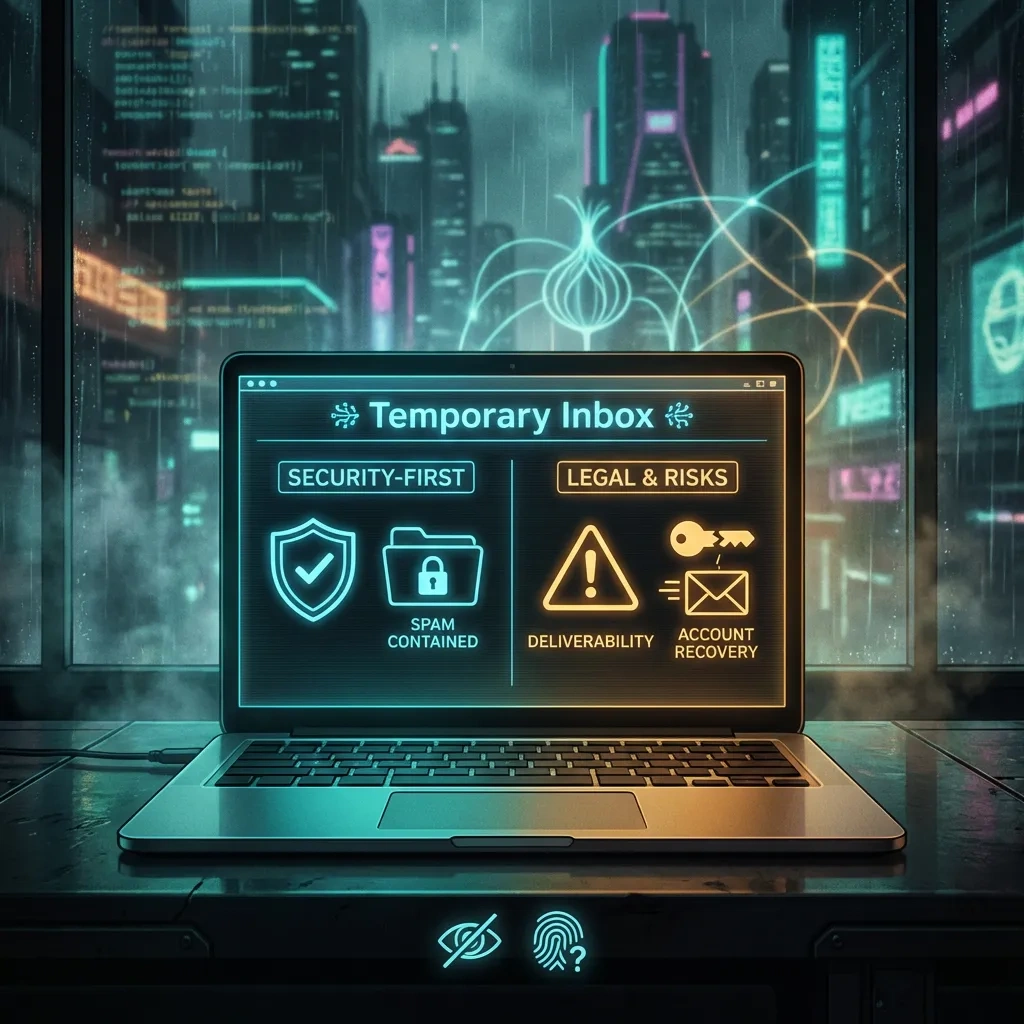
Temporary email services can cut spam and protect privacy during low-stakes signups, but they come with serious security and reliability tradeoffs. Learn how they work, when to use them, and safer alternatives.
What Temp-Mail Is and How Temporary Inbox Services Work
Disposable inbox generation, lifetimes, and retention
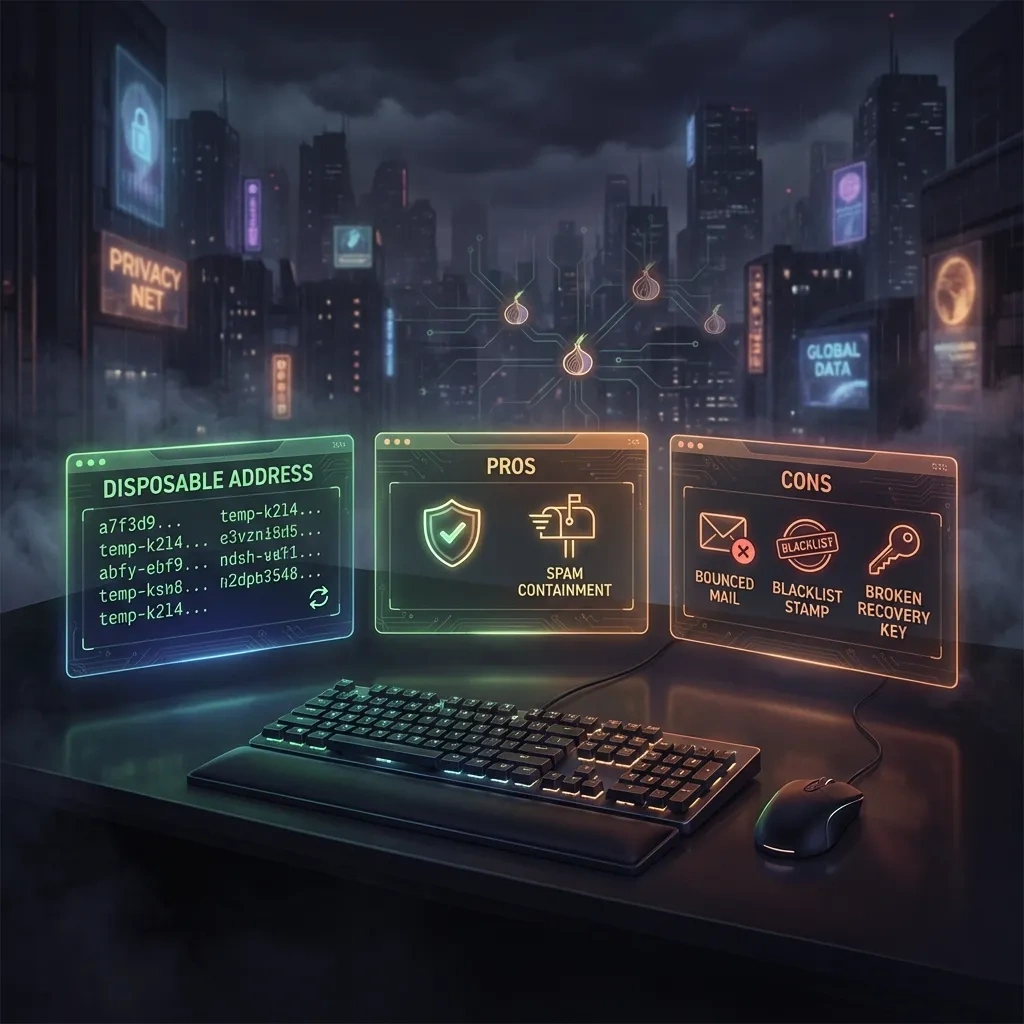
Temporary email services generate short-lived inboxes that can receive messages for minutes, hours, or days. You visit a site or use an app, accept a random address, and read incoming mail through a web UI or API. Many services immediately create an inbox on their shared domain and route messages via standard SMTP per RFC 5321 and format them per RFC 5322.
Retention varies. Some providers delete messages upon expiration, some keep them for a short grace period, and a few purge as soon as the browser session ends. Inboxes can be ephemeral or semi-persistent for a chosen window. You rarely get guarantees about storage location, backup, or recovery. When the clock runs out, the mailbox and its messages usually vanish.
Shared domains, public inbox risk, and randomness quality
Most temp-mail providers host many inboxes on a small set of shared domains. Anyone can guess or recreate addresses, and many services expose public inbox pages with no authentication. If you rely on a public inbox, assume anyone who knows or discovers that address can read the messages. The randomness quality of generated usernames matters. Weak or predictable patterns raise the chance that other users or bots can collide with your inbox and view messages.
Because many users share a limited domain pool, these domains attract blocklists. Anti-abuse systems flag them due to spam patterns and automated signups. Deliverability and verification success can degrade over time as more platforms list the domains.
Web inboxes vs. API-driven disposable email
Web inboxes target human use. You load a page, copy the email, and watch for incoming messages. API-driven disposable email offers endpoints to programmatically create addresses, poll for messages, or retrieve verification codes. Developers might integrate these for QA or automated testing. API options can enforce private inboxes and authenticated access, which improves confidentiality compared to public web lists, but they remain short-lived and risky for production accounts.
Legitimate Use Cases: Privacy, Spam Control, and Testing
One-off signups and newsletter gating
Many sites gate downloads, whitepapers, or discounts behind a signup. If you do not want your primary mailbox harvested by marketing lists, a temporary inbox can receive the confirmation and absorb ongoing promotional email. This reduces spam in your main inbox without creating a long-term tie between your real address and a vendor you may never revisit.
QA/testing workflows for registration and email flows
Developers and QA teams often need throwaway emails to test user registration, password reset flows, and transactional notifications. Disposable addresses make it easy to validate templates, headers, deliverability, and unsubscribe behavior without polluting a real inbox. For test automation, an API-based inbox can increase repeatability and speed while keeping test data isolated from production.
Reducing spam exposure during research and browsing
When you are researching vendors, comparison shopping, or evaluating software trials that demand an email, temp-mail can compartmentalize your identity. It reduces the chance your main address gets sold or leaked in low-trust scenarios, especially on sites with weak privacy policies.
Key Advantages of Temp-Mail Services
Fast setup with no personal data
Disposable inboxes usually require no sign-in. You click a button and get an address, which limits the personal data you share. There is no profile, billing, or recovery phone, which can be a privacy win for low-stakes use.
Spam containment and compartmentalization
Temp-mail keeps promotional blasts, one-time verification messages, and inevitable list resales away from your main account. If an address leaks or is hammered by spam, you discard it. That compartmentalization reduces inbox noise and risk from phishing that targets your primary address.
Lower friction for throwaway accounts and trials
For short trials or demos with no payment or identity tie, temp-mail can save time and friction. It lets you evaluate a tool or content without building a lasting identity that you have to manage later.
| Advantages | Drawbacks |
|---|---|
| Quick, no personal data required | No reliable recovery or longevity |
| Contains spam and marketing emails | Frequent domain blocks and deliverability issues |
| Easy compartmentalization for low-stakes signups | Public inbox exposure and weak confidentiality controls |
| Useful for QA and automated testing | Poor fit for high-value or persistent accounts |
Major Drawbacks: Security, Deliverability, and Account Recovery
No reliable password resets or long-term access
Recovery emails are the lifeline for account access. Temporary inboxes evaporate on schedule, so password resets or multi-factor prompts sent weeks or months later will not arrive. Even if the domain remains, you may not regenerate the same mailbox. If the service exposes inboxes publicly, anyone can trigger a reset and harvest the link. Do not connect temp-mail to anything you cannot afford to lose.
Domain blacklists, blocks, and verification failures
Platforms identify disposable domains through commercial and internal lists, pattern detection, and user reports. Many verification systems suppress messages to these domains or reject signups outright. Some send a challenge that requires phone checks or higher assurance. You will face inconsistent deliverability and sudden changes as providers rotate domains or as sites update their anti-abuse policies.
Inbox exposure, interception, and weak confidentiality
Public or shared-inbox models mean you should not treat messages as private. Links, codes, and personal data in those emails could be visible to others who guess the address or discover the inbox URL. Providers may log IPs and message metadata, and you often cannot audit retention or storage security. If confidentiality matters, avoid temp-mail or use a controlled alias that forwards to a secured account with strong authentication.
Threat Model: What Temp-Mail Protects Against (and What It Does not)
Helps against tracking and marketing profiling
Using a disposable address reduces long-term linkage between your primary email identity and third-party marketing databases. It limits cross-site correlation of your signups via shared email identifiers and helps you avoid ongoing promotional email. It also reduces the risk that a breach of a low-trust site exposes your main address to phishing campaigns.
Does not guarantee anonymity or hide IP/device fingerprints
Temp-mail addresses do not make you anonymous. Websites still see your network address, device and browser fingerprints, cookies, and behavioral signals. Fingerprinting techniques remain effective regardless of email identity, as documented by the W3C in its Fingerprinting Guidance. If you need stronger privacy, you must consider network-level protections and browser hardening, and you must comply with the law and platform terms.
Limits against targeted attacks and account takeover
Temp-mail offers little defense against targeted spear phishing or account takeover beyond basic compartmentalization. If an attacker can read your disposable inbox or predict the address, they can intercept codes or verification links. For valuable accounts, rely on dedicated addresses, hardware-backed multi-factor authentication, and recovery controls that you manage.
- Protects against: casual marketing profiling tied to your primary email, inbox spam from low-trust signups, reuse of your main address in data broker ecosystems.
- Does not protect against: platform-level identity checks, IP or device tracking, strong anti-abuse detection, or adversaries who can access public inboxes.
Common Risks and Abuse Patterns (and How Platforms Respond)
Fraud, ban evasion, and automated signups (describe at a high level; no how-to)
Disposable addresses are attractive for spam campaigns, bot-driven registrations, and low-effort ban evasion. The low friction and lack of identity ties make them convenient for high-volume abuse. This pattern causes collateral damage for legitimate users because platforms react by tightening verification and blocking entire domains.
Platform countermeasures: blocklists, CAPTCHA, phone checks (no bypass guidance)
Sites use domain blocklists, rate limits, IP reputation, CAPTCHAs, device fingerprinting, and phone verification to combat automated abuse. Many approaches align with guidance in the OWASP project on automated threats to web applications (OWASP OAT). High-risk flows such as account recovery and payment often require stronger signals or government-backed identity checks consistent with NIST SP 800-63B. Users of temp-mail should expect more friction and occasional rejection.
Reputational risk and compliance implications
Using a disposable address for business or regulated workflows can violate policies. It can also undermine trust with counterparties who expect traceability and reliable contact. If your organization must retain records or meet audit requirements, temp-mail can complicate evidence trails and data retention duties.
Safer Alternatives: Aliases, Forwarders, and Disposable Inboxes You Control
Email aliasing (plus-addressing) and custom domain catch-alls
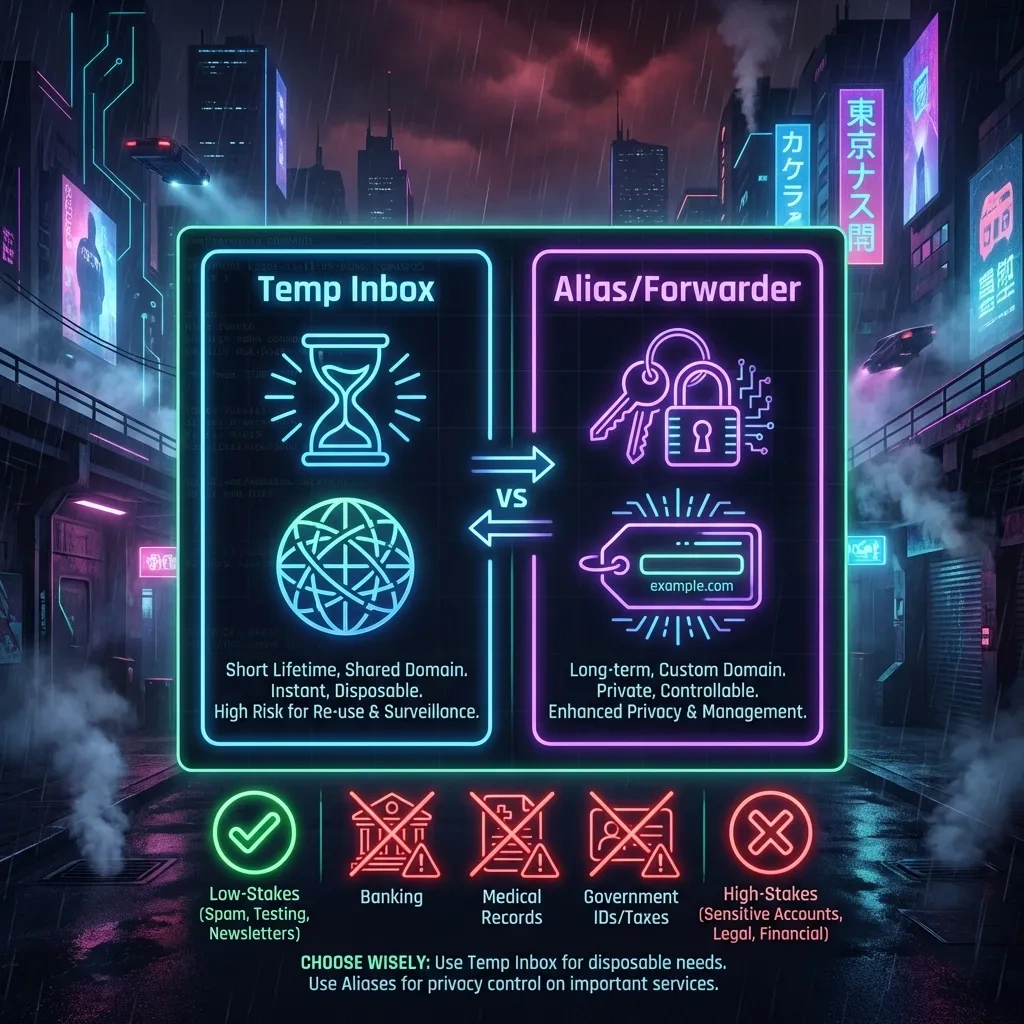
Many mail systems support subaddressing, often called plus addressing, which appends a tag to your local part, such as name+vendor@example.com. The RFC 5233 subaddressing model describes this pattern. The alias still delivers to your primary inbox, but you can filter and revoke at the mailbox level. With your own domain, a catch-all can receive anything sent to that domain; you can route or block tags with filters, preserving recoverability and control without exposing your real base address.
Forwarding/alias providers and privacy-focused relays
Forwarding services issue per-site aliases that relay to your actual inbox. You can disable an alias that gets spammed without changing your main address. Examples include privacy relays bundled with consumer platforms or open providers. You keep long-term access and can still pass verification emails. For general users, this is safer than temp-mail because you maintain control while compartmentalizing identity. Mozilla documents this model in Firefox Relay materials (Firefox Relay). Apple provides similar guidance for Hide My Email in its support docs (Apple Support).
Self-hosted disposable inbox options for developers (legal, defensive testing)
For development and internal testing, a self-hosted catch-all or local SMTP sink avoids public exposure. Tools that capture emails without external delivery are ideal for staging environments. They let teams validate templates and flows without leaking addresses to third parties. This approach keeps data in your control and avoids shared-domain reputation issues while respecting legal and organizational boundaries.
Best Practices for Using Temp-Mail Without Locking Yourself Out
Use for low-stakes accounts only; avoid anything tied to money
Stick to short-lived accounts with no payments, personal medical data, legal identity, or device management. Avoid using temp-mail for banking, exchanges, tax services, healthcare portals, job applications, cloud admin roles, or anything that has long-term value or compliance requirements.
Capture critical verification info and backup recovery paths
If you must use a temporary address, capture any verification codes and links immediately. Add a secondary recovery method that you control, such as a long-lived alias on a trusted domain. Record support links, account IDs, and the date the temp inbox expires. When possible, migrate the account to a durable email before the inbox disappears.
Minimize data shared and avoid reusing identifiers
Share the least data necessary for the task. Do not reuse the same username or handle across accounts that you intend to compartmentalize. Consider using distinct aliases per site so you can detect leaks and disable compromised addresses.
Decision Checklist: When Temp-Mail Is Appropriate vs. a Bad Idea
Green-light scenarios: low value, low persistence needs
- Download gating for a whitepaper or coupon where long-term contact is not needed.
- Short demo accounts with no payment method and no personal data beyond email.
- One-time community access with no recovery or ownership stake.
- Non-sensitive QA/testing of email flows in staging environments.
Red-flag scenarios: banking, critical services, legal identity
- Financial services, crypto exchanges, brokerage, or anything tied to funds.
- Healthcare, government portals, employment, or tax filings.
- Cloud administration, domain registrars, password managers, or developer keys.
- Anything that must be recoverable for months or years.
Questions to ask before choosing a temp inbox
- If I lose access to this mailbox tomorrow, what breaks, and who is affected?
- Does this platform block disposable domains or require stronger verification?
- Do I need to receive password resets or invoices in the future?
- Is any sensitive data likely to arrive in this inbox?
- Can I use an alias or forwarding relay that gives me recoverability instead?
- Have I recorded alternative recovery methods and a plan to migrate later?
FAQ: Temp-Mail Pros, Cons, and Privacy Questions
Common misconceptions about anonymity and security
Does temp-mail make me anonymous? No. Your email is only one identifier. Sites can correlate IP addresses, device and browser fingerprints, cookies, and behavior. W3C notes that fingerprinting works even when you change superficial identifiers. Temp-mail reduces the linkage of your primary email, but it does not hide your network or device.
Is a temp inbox secure by default? Often not. Many are public or shared and provide little or no authentication. Treat anything you receive there as potentially visible to others. If confidentiality matters, use a controlled alias that forwards to a secure mailbox with strong authentication.
Reliability questions: deliverability, retention, and access
Why do some sites block temp-mail? Because these domains correlate with spam and automated signups. Anti-abuse teams use domain reputation, blocklists, and behavioral signals to reduce fraud. This improves platform integrity at the expense of disposable inbox convenience.
How reliable is delivery? Variable. Domains rotate, reputations degrade, and filters evolve. Expect occasional verification failures, delays, or lost messages. If a message is mission-critical, do not rely on temp-mail.
How long will my messages stay available? Whatever the provider states, if anything. Many purge quickly. Assume you could lose the mailbox and its contents without warning. Build recovery paths that do not depend on temp-mail longevity.
Practical selection criteria for legitimate privacy needs
- Confidentiality need: If messages contain sensitive data, use aliases or relays that you control, not public temp-mail.
- Persistence need: If you will need access beyond a few hours or days, avoid temp-mail and choose a durable address.
- Recoverability: If password resets or invoices matter, use a long-term alias or forwarding relay.
- Abuse risk: Expect blocks where temp domains are common abuse sources. Prefer controlled aliases to reduce friction.
For guidance on safe recovery flows, see OWASP’s best practices for forgotten passwords (OWASP Cheat Sheet), which explains why durable, verified addresses matter for account security.
Key takeaways
- Temp-mail is useful for low-stakes, short-lived signups and non-sensitive testing, but it is not private or reliable enough for valuable accounts.
- Expect domain blocks, poor deliverability, and no recovery. Never attach temp-mail to financial, medical, government, or admin roles.
- Aliases and forwarding relays offer compartmentalization with control and recoverability. They are safer for most privacy needs.
- Threat model correctly: temp-mail reduces marketing linkage, not network or device tracking. If confidentiality matters, avoid public inboxes.








