





Last Updated on June 19, 2026 by DarkNet
Tails OS can reduce traces and route traffic over Tor, but it does not make you untouchable. This guide explains what it does well, where it falls short, and safer ways to use it lawfully.

What Tails OS is and how it fits darknet work
Tails in brief – powerful but not magic
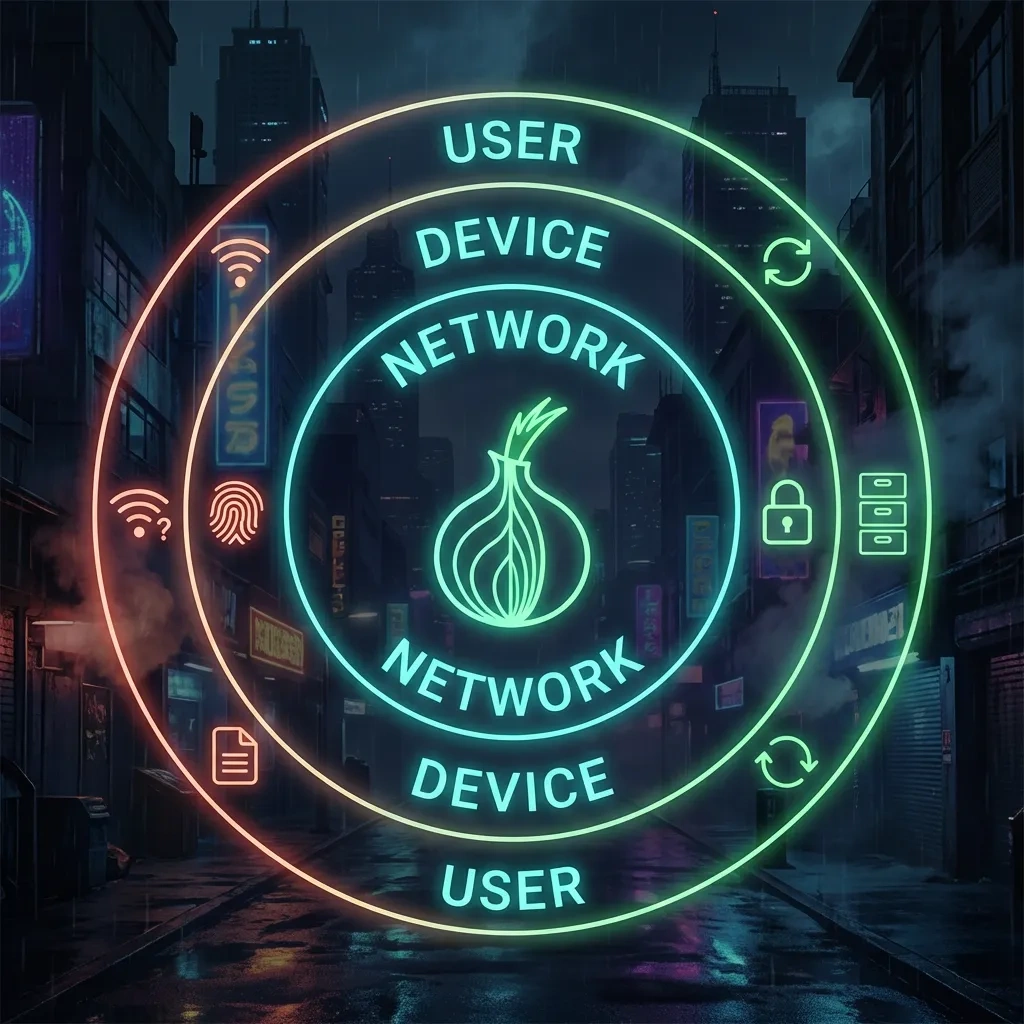
Tails OS is a privacy-focused live operating system that boots from a USB drive and runs entirely in memory. It aims to leave no traces on the host computer by default. All network traffic is forced through the Tor network. When you shut down, Tails forgets your session. This amnesic design helps reduce local traces, which is useful for sensitive research, journalism, whistleblowing, and other lawful privacy needs. Tails is developed by an independent project and is based on Debian GNU/Linux. Learn more at the official site: tails.net.
How Tor works in Tails and what it does not hide
Tor routes your traffic through three relays so destination sites see a Tor exit node instead of your IP address. Tails forces applications to use Tor, and blocks non Tor traffic by default. This helps hide your network location from sites you visit and your ISP from seeing the contents of your encrypted traffic. However, Tor does not encrypt traffic beyond the exit node unless you use end to end encryption like HTTPS. Tor does not prevent you from revealing your identity to a website, and it does not stop malware or phishing. Tor also cannot defeat powerful traffic correlation by well positioned observers. See the Tor Project’s docs: support.torproject.org and the Tor Browser Manual: tb-manual.torproject.org.
Amnesic by default and what persistent storage changes
Amnesic means Tails forgets your session on shutdown. No history, cookies, or files are saved to disk unless you opt in. Tails also offers an optional encrypted Persistent Storage on the same USB drive. Persistence can store selected data like PGP keys, documents, or additional software. This is useful but it changes the threat surface by creating a long lived data store tied to that USB. It introduces risks like identity linkage and forensic targeting of the drive. Use persistence only when necessary, with careful separation of identities. Read the official guidance: tails.net/doc/first_steps/persistence and verification instructions for images: tails.net/install/verify.
When Tails helps and when it does not – threat models
Helps against local device and network threats
- Shared or untrusted computers: Amnesic operation reduces traces on a borrowed laptop.
- ISP and local network monitoring: Tor hides destination IPs from local observers, who mainly see an encrypted connection to a Tor guard.
- Application misrouting: Tails’ network stack aims to prevent non Tor leaks by default, which helps avoid accidental clear net traffic.
Partial protection on the wider internet
- Site tracking and fingerprinting: Tor Browser reduces tracking via uniform settings, but advanced fingerprinting and behavioral tracking can still infer patterns.
- Account and identity correlation: Tor hides your IP but not who you are if you log in or reuse identifiers, payment details, or unique writing style.
- Content observation: HTTPS protects content from exit nodes, but exit operators still see metadata like destination IP and timing for non onion services.
What Tails cannot defeat
- Targeted hardware compromise: Firmware implants, keyloggers, and BIOS level malware can capture input regardless of the OS.
- Powerful global adversaries: Large entities that can observe both your guard and the destination may perform traffic correlation in some cases.
- Social engineering and phishing: If you voluntarily provide sensitive data or open malware, Tails cannot save you.
Advantages of using Tails for darknet work
Portability and statelessness
Booting from a USB lets you carry a high privacy environment and avoid leaving routine traces on the host system. Stateless operation reduces the risk of later forensic recovery. This is helpful for travel, field work, and separating sensitive tasks from daily computing.
Safer defaults and user base uniformity
Tails ships with Tor Browser and privacy hardened defaults, including a firewall that forces traffic into Tor and disables risky services. Tor Browser’s standard configuration aims to look like other Tor users, which reduces unique fingerprinting compared to customizing a mainstream browser.
Verification and update practices
Tails provides signed releases and a documented verification process so you can check the image integrity before use. Major components like Tor Browser follow reproducible build practices upstream, improving supply chain assurance across the ecosystem. Keeping Tails up to date reduces exposure to known vulnerabilities. See verification docs: tails.net/install/verify and Tor Browser information: tb-manual.torproject.org.
Pros and cons at a glance
Benefits at a glance
| Benefit | What it helps with | Tradeoff or limit |
|---|---|---|
| Amnesic live system | Reduces local traces on shared or untrusted machines | Data is not saved unless you enable persistence, so you must manage files intentionally |
| Tor enforced networking | Prevents accidental clear net traffic from apps | Tor can be slower, and exit nodes can see destination metadata for non onion sites |
| Uniform Tor Browser | Reduces unique browser fingerprinting | Restricts features and extensions that could improve convenience but increase risk |
| Portable and disposable | Easy to carry, easy to retire if compromised | USB drives can fail, be seized, or link activity if persistently reused |
| Signed releases and updates | Improves supply chain integrity | Requires careful verification and update hygiene to stay effective |
Practical tradeoffs you should expect
- Performance: Tor often feels slower than typical browsing. Plan for latency and timeouts.
- Compatibility: Some sites block Tor or break with strict browser settings.
- Hardware support: Not all devices or Wi Fi chipsets work flawlessly with every Tails release.
Deciding factors quickly
- Need rapid setups on untrusted machines: Tails is a good fit.
- Need long lived workflows with multiple apps: Consider Whonix or Qubes OS.
- Need maximum isolation and compartmentalization: Qubes has stronger isolation if your hardware supports it.
Common mistakes that break privacy on Tails
Identity reuse and account cross contamination
Logging into personal accounts from Tails or reusing usernames, emails, or handles links your session to your real identity. Even if the IP is hidden, the account belongs to you. Avoid mixing personas. Create context specific identities for lawful research and do not cross post content or share unique personal details across contexts.
Metadata leaks from downloads and documents
Documents can contain metadata like author names, device IDs, or GPS tags. Opening risky files can also execute code. Tails includes tools to strip metadata, but caution is still required. Avoid downloading and opening untrusted files. If you must handle documents, use Tails’ metadata cleaning tools and consider opening files offline and only when necessary. The EFF has practical guidance on safer document handling: ssd.eff.org.
Unsafe browser changes and plugins
Installing extensions, changing security settings, or maximizing the window can make your browser fingerprint unique among Tor users. Stick to Tor Browser defaults and the standard window size. Do not install additional plugins or fonts. See the Tor Browser advice on fingerprinting: tb-manual.torproject.org/fingerprinting and EFF’s explainer: coveryourtracks.eff.org.
Misusing persistence and leaving long lived traces
Persistent Storage is encrypted but long lived. Reusing the same persistent identity across contexts can correlate your activity over time. Enable only the features you need, segregate identities, and consider separate USBs for separate lawful projects. Review Tails’ persistence documentation before enabling it: tails.net/doc/first_steps/persistence.
Network and device risks outside Tails control
Exit node visibility, phishing and site abuse
Exit nodes can observe destination IPs and unencrypted traffic. Malicious sites can attempt phishing or browser exploits. Use HTTPS whenever possible, verify onion addresses carefully, and be skeptical of unsolicited links. Do not enter sensitive credentials on sites you do not trust. Consider reading Tor’s user support pages for safe browsing habits: support.torproject.org/tbb.
Malware, firmware and physical compromise
Tails cannot defeat compromised hardware, malicious USB peripherals, or preinstalled keyloggers. If an adversary has physical access to your machine, they can implant tools that capture keystrokes and screen contents. Use hardware you control, keep firmware updated where possible, and maintain physical security. Assume shared public machines may be monitored at the hardware level.
Timing, traffic correlation and powerful observers
Adversaries that can observe both ends of a connection can sometimes correlate traffic using timing and volume patterns. Mitigations exist in Tor’s design, but they are not perfect. Reduce predictable patterns, avoid simultaneously using the same identities on Tor and clear net, and prefer onion services where feasible since they avoid exits. For background, see Tor’s high level overview: support.torproject.org/about.
Alternatives to Tails and when to use them
Tails vs Whonix
- Isolation model: Whonix splits gateway and workstation into separate VMs. All traffic is routed through the gateway VM.
- Usability: Good for persistent workflows on a host you trust to run virtual machines.
- Maintenance: Requires VM management and host security updates.
- Typical fit: Long running research environments where you need multiple applications and controlled persistence. Docs: whonix.org/wiki/Documentation.
Tails vs Qubes OS
- Isolation model: Qubes uses hardware virtualization to compartmentalize tasks into qubes with strong isolation.
- Usability: Powerful but hardware intensive, steeper learning curve.
- Maintenance: Ongoing updates for the dom0 and template VMs, plus policy management.
- Typical fit: High assurance setups that need strict separation of contexts. Docs: qubes-os.org/doc.
Standard OS plus Tor Browser
- Isolation model: Single OS with Tor Browser only. Other apps may bypass Tor if misconfigured.
- Usability: Easiest to start, but mixing everyday apps with sensitive browsing increases risk.
- Maintenance: Keep OS and Tor Browser updated frequently.
- Typical fit: Occasional private browsing where host trust is acceptable. Tor Browser manual: tb-manual.torproject.org.
How to choose for your use case
| Option | Isolation model | Usability | Maintenance burden | Typical fit |
|---|---|---|---|---|
| Tails | Live OS, Tor enforced, amnesic by default | Portable, minimal setup | Verify images, update USB periodically | Travel, shared machines, disposable sessions |
| Whonix | Gateway plus workstation VMs | Persistent, VM required | Host and VM updates | Ongoing research with controlled persistence |
| Qubes OS | Strong compartmentalization via qubes | Advanced, hardware heavy | Complex updates and policies | High assurance multi persona workflows |
| Standard OS plus Tor Browser | Single OS, app level Tor | Simple | Routine OS plus browser updates | Occasional private browsing on trusted devices |
Legal, ethical and safety considerations
Laws vary and consent matters
Privacy tools are lawful in many places but activities online can be illegal or require consent. Research the rules where you live and where the services you access are hosted. When in doubt, seek qualified legal counsel. This article is not legal advice.
Responsible research and journalism use cases
Tails can support responsible reporting, whistleblowing, or academic research that requires confidentiality and source protection. Follow institutional review and ethics processes, get informed consent where required, and protect both subjects and bystanders. The EFF offers resources for safer practices for journalists and researchers: ssd.eff.org.
Avoiding harm to yourself and others
Do not use privacy tools to harm people, deceive victims, or evade investigations. Consider the risks of malware, scams, or retaliation in high risk environments. Prioritize mental health and safety planning when engaging with disturbing content or communities.
Quick checklist for safer use
Before you boot
- Download Tails from the official site and verify the image signature using the documented method: tails.net/install/verify.
- Use hardware you control when possible. Physically secure USBs and machines.
- Decide whether you truly need Persistent Storage. If yes, plan identity separation and enable only necessary features.
While you browse
- Keep Tor Browser at its default security level unless you understand the tradeoffs.
- Do not log into personal accounts or reuse identifiers across contexts.
- Prefer onion services and HTTPS. Be cautious with downloads and document metadata.
- Avoid changing Tor Browser window size or installing extensions.
When you shut down
- Move only what you must to persistence, and encrypt any exported files.
- Power off fully to clear memory. Store the USB securely or destroy it if compromised.
- Update Tails regularly by following the official instructions.
FAQ
Is Tails fully anonymous
No tool can promise perfect anonymity. Tails reduces certain risks but does not stop identity leaks, malware, or correlation by powerful observers. Use it as one layer among many.
Do I need a VPN with Tails
Most users do not need a VPN with Tails. VPNs change who sees your Tor entry traffic and can add failure points. If you consider a VPN for a lawful reason, understand the limits and avoid stacking tools blindly. See Tor’s guidance: support.torproject.org.
Is Persistent Storage safe to use
It is encrypted and helpful, but it creates a long lived data store that can link sessions. Use only what you need, separate identities, and protect the USB physically. Read Tails’ docs before enabling it: tails.net/doc/first_steps/persistence.
Is using Tails legal
In many places, yes. Legality depends on what you do, not the tool. Laws vary by country. Use Tails for lawful activities and seek legal advice for your situation.
Key takeaways
- Tails is a live, amnesic OS that routes traffic over Tor and reduces local traces.
- It helps against some local and network threats but cannot defeat powerful correlation or hardware compromise.
- Tor Browser’s defaults and uniformity matter. Avoid customization and plugin installs.
- Persistent Storage is useful but increases linkage risks. Enable only what you need.
- Most privacy failures come from behavior, not software. Avoid identity reuse and metadata leaks.
- Alternatives like Whonix and Qubes may fit long lived or high assurance workflows better.
- Use official docs and verification steps for downloads and updates.
- Stay lawful, prioritize harm reduction, and remember that no tool guarantees anonymity.








