Last Updated on June 2, 2026 by DarkNet
1Password Password Manager: detailed review of pros and cons
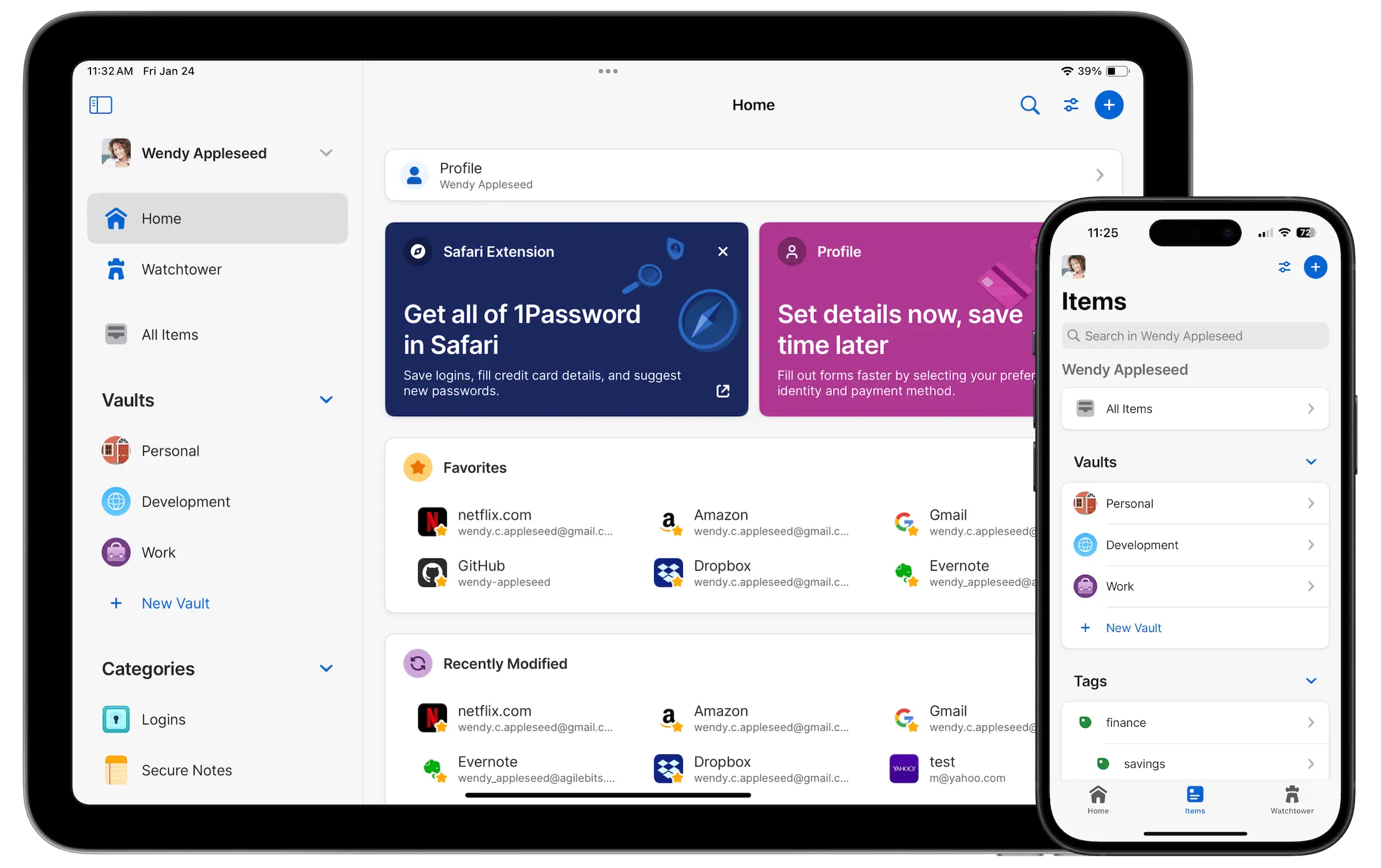
1Password is one of the most popular and trusted password managers in the world. It is used by both individual users and large companies that prioritize security, convenience, and access control.
Below is a detailed and objective article covering all major advantages and disadvantages.
What is 1Password
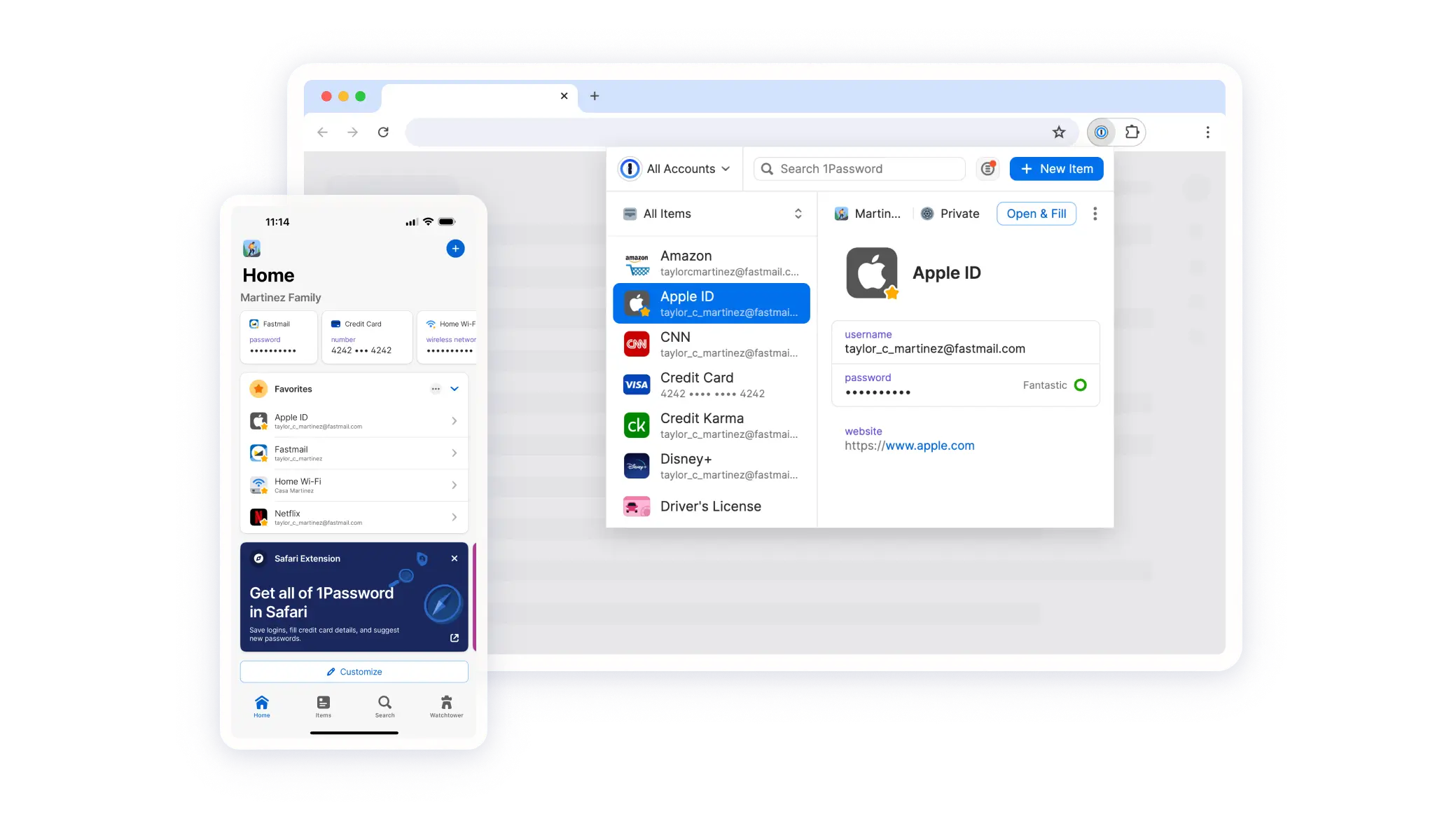
1Password is a password manager that:
- stores passwords, logins, and other sensitive data in encrypted form;
- automatically fills in credentials on websites and in apps;
- syncs data across devices;
- protects information using a master password and a secret key.
Supported platforms include Windows, macOS, Linux, iOS, Android, and all major browsers.
Core features
- Password, PIN, key, and secure note storage
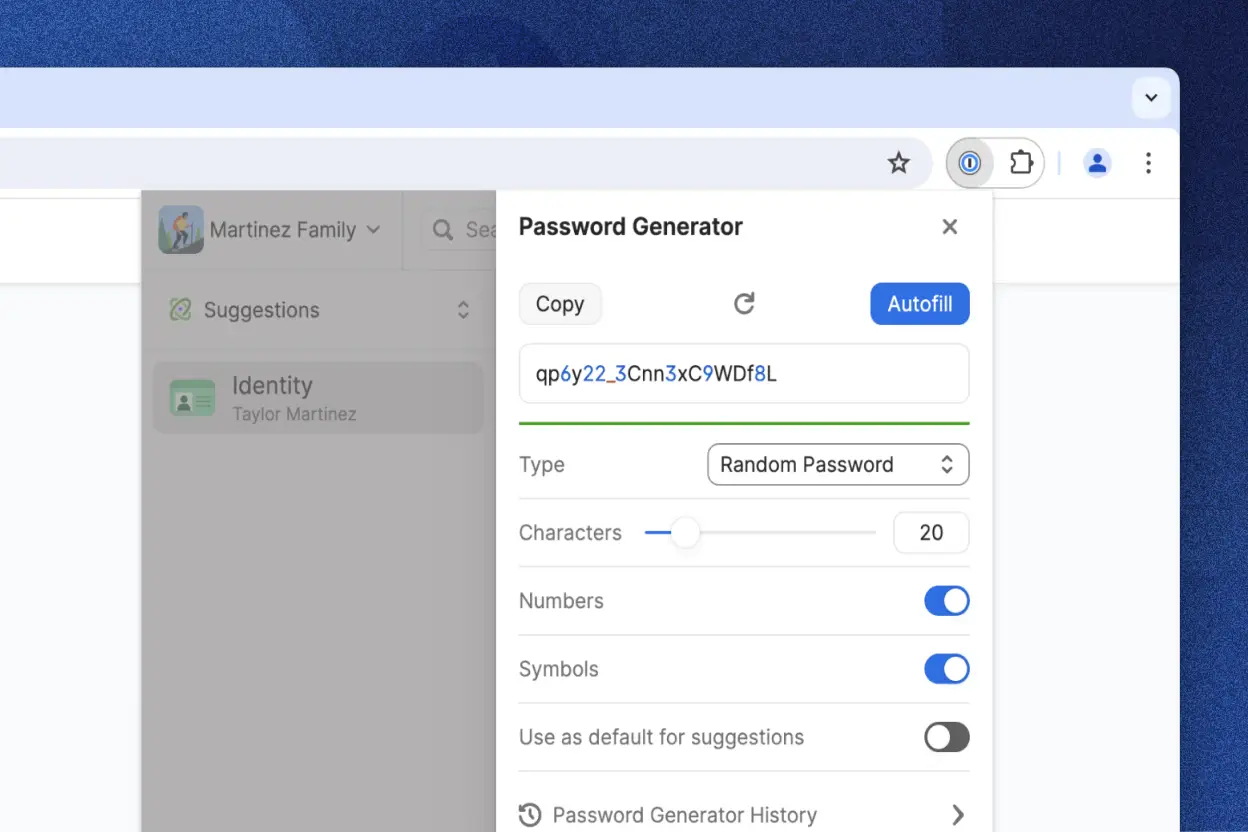
- Strong password generator
- Form autofill
- Secure storage for credit card details
- Two-factor authentication support
- Shared access for families and teams
- Monitoring for data breaches and weak passwords
Pros of 1Password
High level of security
- End-to-end encryption
- Use of a Secret Key as an additional security layer
- No access to user data by the service itself
- Regular independent security audits
This is one of the most secure password managers on the market.
Clean and well-designed interface
- Modern and intuitive design
- Easy navigation between vaults
- Fast search and quick data entry
- Suitable even for first-time users
Reliable synchronization
- Near-instant sync across all devices
- Stable cloud-based infrastructure
- Offline access to stored data
Suitable for families and businesses
- Family plans with granular access control
- Business subscriptions through 1Password Business
- Role and permission management
- Activity logs and security oversight
Useful advanced features
- Watchtower security monitoring
- Secure document and file storage
- Biometric protection such as Face ID and Touch ID
- Built-in support for two-factor authentication
Cons of 1Password
No fully free version
- Only a limited free trial is available
- A paid subscription is required afterward
- Single-user plans are more expensive than some competitors
This can be a drawback for users looking for a free solution.
Cloud-only architecture
- No fully local or offline-only mode without cloud usage
- No official self-hosted option
- May not satisfy users with strict data sovereignty requirements
Overkill for basic needs
- Too feature-rich for users with only a few accounts
- Many advanced settings may feel unnecessary
No Russian language interface
- The app is available only in English and a limited number of other languages
- This can be a significant drawback for some users
Who 1Password is best for
Recommended if you:
- prioritize maximum security;
- use multiple devices;
- store sensitive personal or work-related data;
- value convenience and reliability.
Less suitable if you:
- want a free password manager;
- require fully local data storage;
- prefer a one-time purchase instead of a subscription.
Password Manager Comparison Table 2026
|
Product Name |
Encryption & Zero-Knowledge |
Platform Support |
Key Security Features |
Best For |
|---|---|---|---|---|
|
Yes, strong AES-256 + unique secret key |
All major OS & browsers |
Zero-knowledge, MFA, passkeys, secure sharing |
Premium security & usability |
|
|
Yes, AES-256, open-source |
All major OS & browsers |
Self-hosting option, open audit |
Open-source transparency & budget |
|
|
Yes, AES-256, zero-knowledge |
All major OS & browsers |
VPN (paid), breach monitoring |
Security insights + privacy tools |
|
|
Yes, zero-knowledge |
All major OS & browsers |
Password health, email masking |
Best overall value & simplicity |
|
|
Yes, AES-256 + PBKDF2 |
All major OS & browsers |
Self-destruct, secure sharing |
Enterprise & business focus |
|
|
Yes, encrypted vault |
All major OS & browsers |
Advanced form-filling |
Excellent form automation |
|
|
AES-256 local encryption |
All major OS & browsers |
Local-first vault, optional cloud sync |
Local control, no subscription |
|
|
Yes, AES-256 GCM, open-source |
All major OS & browsers |
End-to-end encryption, CLI access |
Privacy-focused, free tier strong |
|
|
Yes, encrypted vault (mixed fields) |
All major OS & browsers |
Cross-platform sync, 2FA |
Easy access, large user base |
|
|
Yes, encrypted |
Web, apps |
Team sharing, access controls |
Business teams |
|
|
Yes, open-source |
Web & extensions |
Self-hosting, team roles |
Technical & DevOps teams |
|
|
Yes, E2E + hardware |
Web & mobile |
Hardware-first, FIDO2 |
Passwordless & simplicity |
|
|
Encrypted sync |
All major OS & browsers |
Integration with Dell ecosystem |
Enterprise users |
|
|
Encrypted |
Enterprise systems |
Active Directory integration |
Enterprise IT control |
|
|
Encrypted |
Enterprise systems |
User access & audit logs |
IT password governance |
|
|
Identity Anywhere (Avatier) |
Encrypted |
Enterprise systems |
Identity + SSO focus |
Large enterprise identity |
|
Encrypted |
Enterprise |
Identity & privileged access |
Identity security suites |
|
|
Encrypted |
All major OS & browsers |
Multiple form filling |
General personal use |
|
|
Encrypted |
Unix-like systems |
Local system vault |
Linux-centric local vault |
|
|
KeePass (via forks like KeePassXC) |
Encrypted local vault |
All major OS |
Portable, local, plugin ecosystem |
Offline control & enthusiasts |
|
Encrypted |
Teams & enterprise |
Team collaboration |
Secure team vault |
Conclusion
1Password is a premium password manager focused on security, usability, and reliability. It is an excellent choice for advanced users, families, and businesses, but it may feel excessive or expensive for simple use cases.